
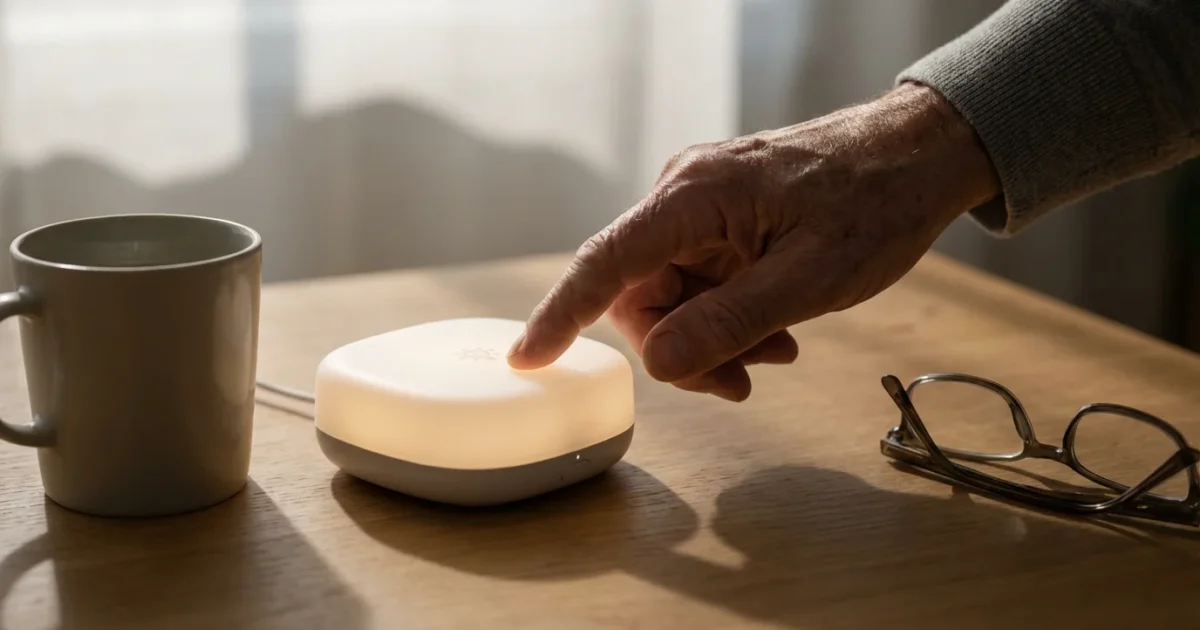
Technology often feels overwhelming, especially when new terms emerge. The “Internet of Things,” or IoT, sounds complex, but it simply describes everyday objects connected to the internet. These connected devices communicate with each other, share information, and help you manage tasks from afar. Imagine adjusting your home’s thermostat from your phone or having lights turn on automatically when you walk into a room. This is the convenience smart technology brings to your life.
You can use these smart devices to simplify daily routines, enhance your safety, and stay more connected to your loved ones. This guide demystifies the internet of things, shows you what it is, and explains how you can confidently integrate this helpful technology into your home.
What Exactly is the Internet of Things (IoT)?
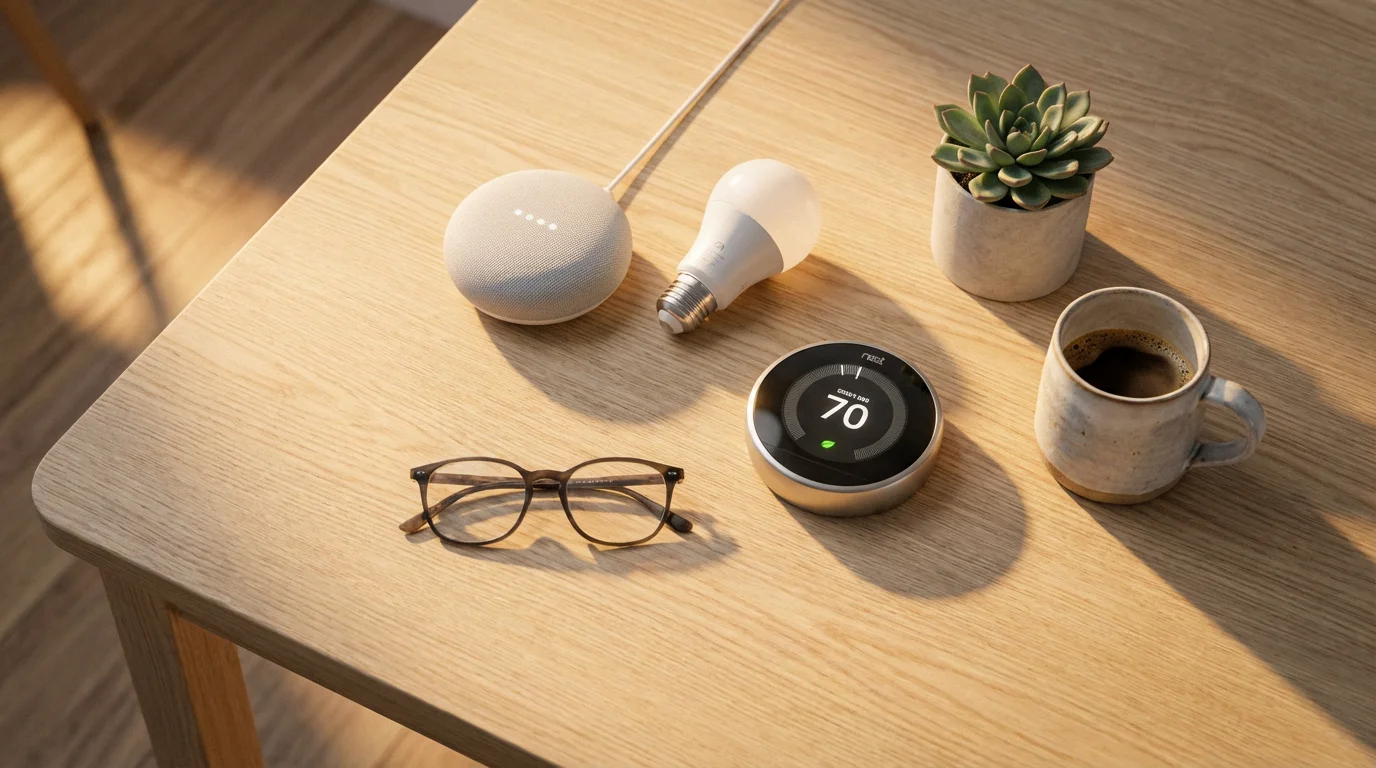
The Internet of Things, or IoT, refers to a network of physical objects embedded with sensors, software, and other technologies that connect and exchange data with other devices and systems over the internet. Think of it as connecting ordinary objects, like your refrigerator or a light bulb, to the internet. This connection allows them to “talk” to you and to each other.
You already use the internet for email, browsing websites, or video calls. IoT takes that same internet connection and extends it to appliances, vehicles, and other items. These connected devices gather information about their environment or their own status and then send that information. This ability to gather and share data enables them to perform smart actions, such as turning on lights when it gets dark or sending you a notification if a door is left open.
Understanding what is the internet of things starts with recognizing that it moves beyond just computers and smartphones. It brings internet connectivity to nearly anything that benefits from it, creating a world where devices respond to your needs and automate tasks, offering convenience and peace of mind.
How IoT Devices Connect and Work
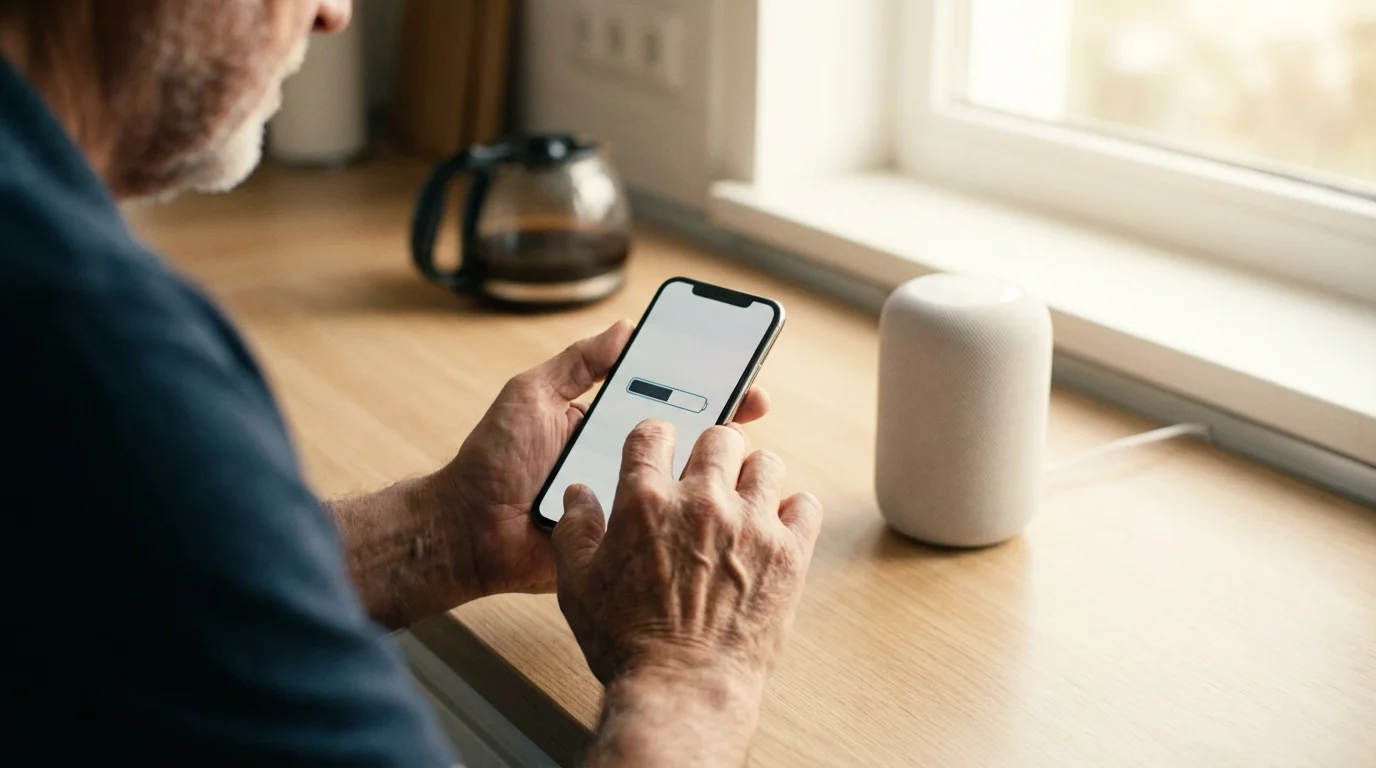
IoT devices communicate using various wireless technologies. The most common connection methods include Wi-Fi and Bluetooth. Wi-Fi connects your devices to your home’s wireless internet, allowing them to communicate with the cloud and your smartphone from anywhere you have an internet connection. Bluetooth connects devices over short distances, often used for pairing a smart speaker with your phone.
Many smart technology setups also use a central device called a “hub” or “bridge.” This hub acts as a translator, allowing different IoT devices from various manufacturers to work together. For instance, you might have a hub that controls your smart light bulbs, door locks, and thermostats all from one place. You then use an app on your smartphone or a voice assistant, such as Amazon Alexa or Google Assistant, to send commands to the hub, which then relays them to the specific iot devices.
Real-World Examples: How Can IoT Help Seniors?
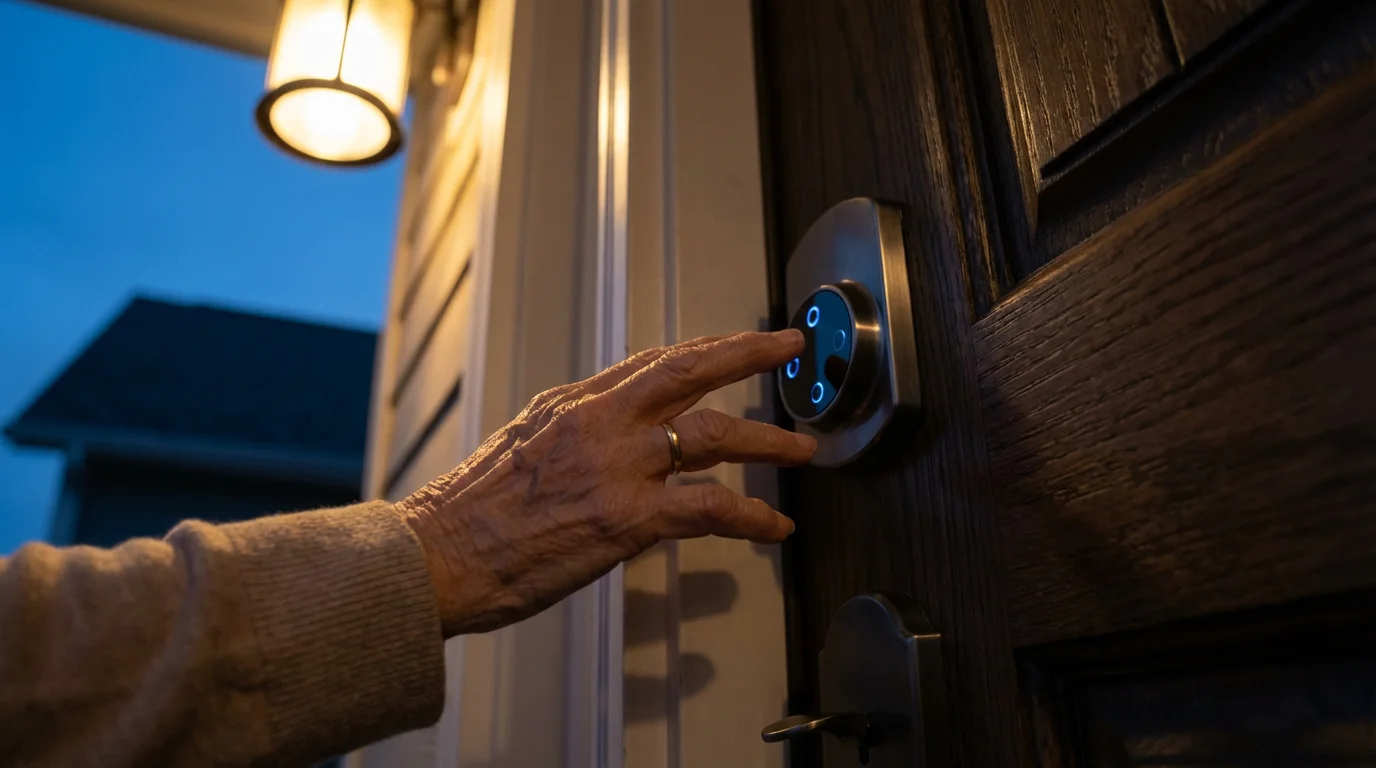
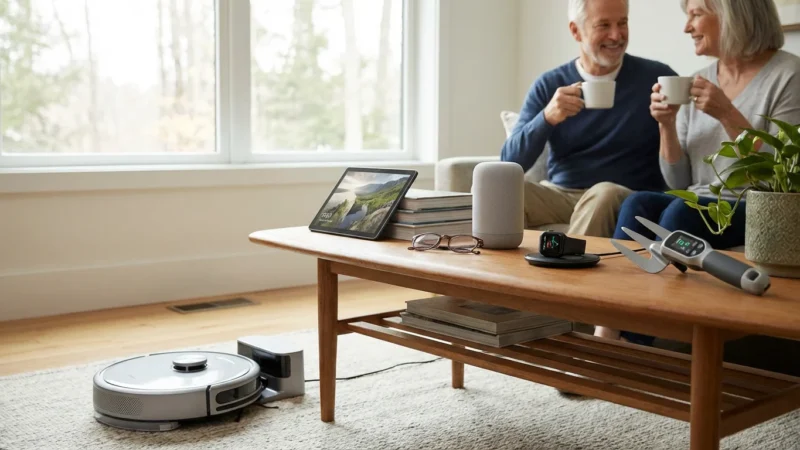
The practical benefits of iot devices are numerous, especially for seniors seeking to maintain independence, enhance safety, and simplify daily routines. Here are some common examples of smart technology and how they can assist you:
Additionally, connected televisions can easily link to your network, letting you enjoy a variety of streaming services right from your living room.
Many modern medical and smart devices also integrate smoothly with telehealth services, making it easier than ever to manage your healthcare from home.
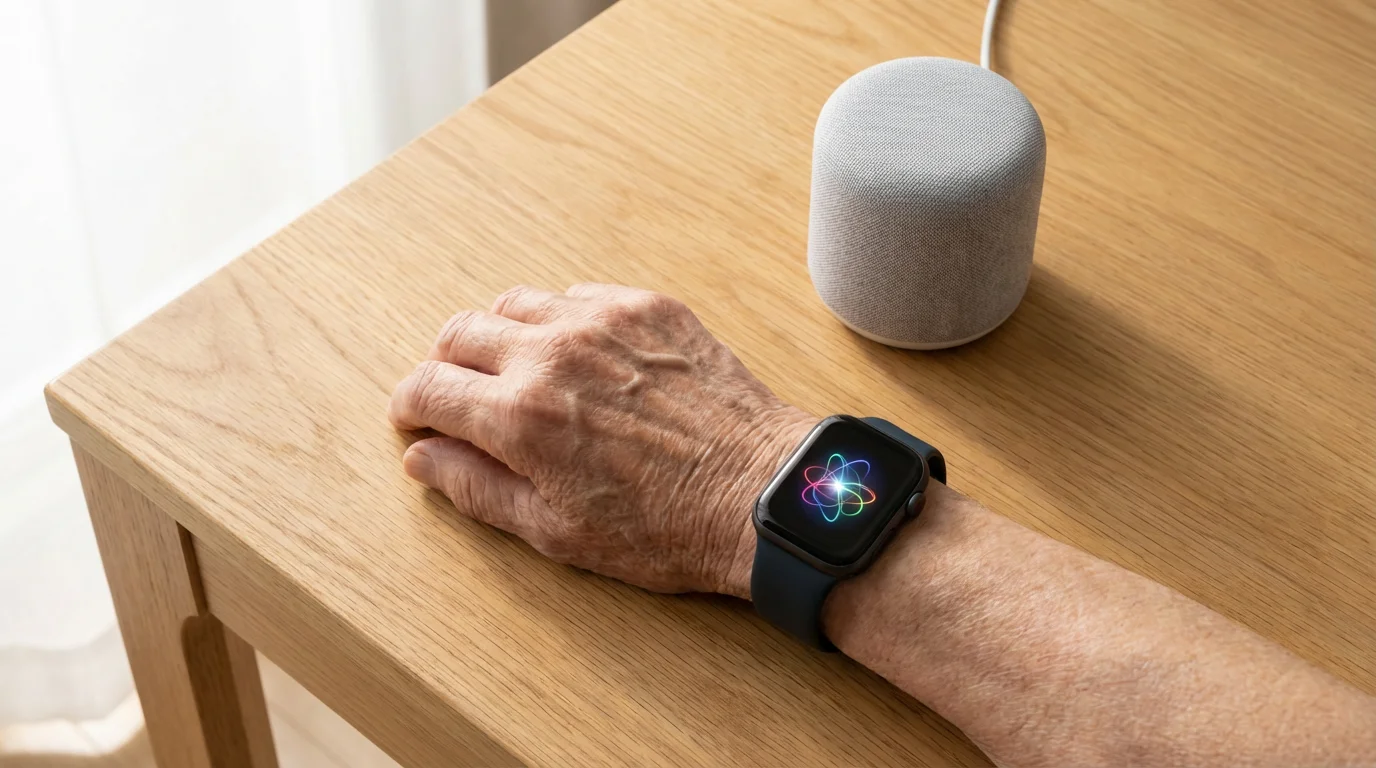
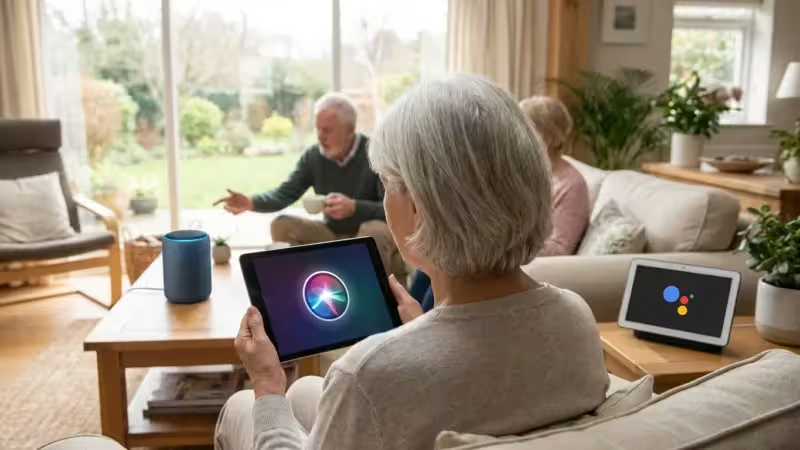
- Smart Speakers (e.g., Amazon Echo, Google Nest): These devices respond to voice commands. You can ask them to play music, set timers, get weather updates, or even make hands-free calls to family members. They eliminate the need to navigate complex menus on a phone.
- Smart Lighting: Replace your existing light bulbs with smart bulbs. You can turn them on or off, dim them, or change their color using a smartphone app or voice commands. This means no more fumbling for light switches in the dark or getting up to turn off lights after you are comfortable.
- Smart Thermostats (e.g., Nest, Ecobee): Control your home’s temperature from your smartphone, even when you are away. Some smart thermostats learn your preferences and adjust the temperature automatically, saving energy and ensuring comfort when you return home.
- Video Doorbells (e.g., Ring, Google Nest Doorbell): See and speak to visitors at your door from your smartphone or smart speaker, no matter where you are in your house or even if you are out. This enhances security and helps you screen visitors before opening the door.
- Medical Alert Systems: Some advanced medical alert systems now incorporate IoT features. They can detect falls, track activity levels, and automatically alert emergency contacts or services if a problem is detected. These systems provide a crucial safety net.
- Smart Plugs: These small adapters plug into any standard electrical outlet. You then plug an ordinary lamp or appliance into the smart plug, making that device “smart.” You can turn it on or off remotely using an app or voice commands.
These examples illustrate how can iot help seniors by offering convenience, increased safety, and greater control over their living environment, often with simple voice commands or a few taps on a screen.
“You don’t have to be young to be tech-savvy, you just need patience and practice. Technology is a tool, and you decide how to use it.”
Getting Started with Your First IoT Device
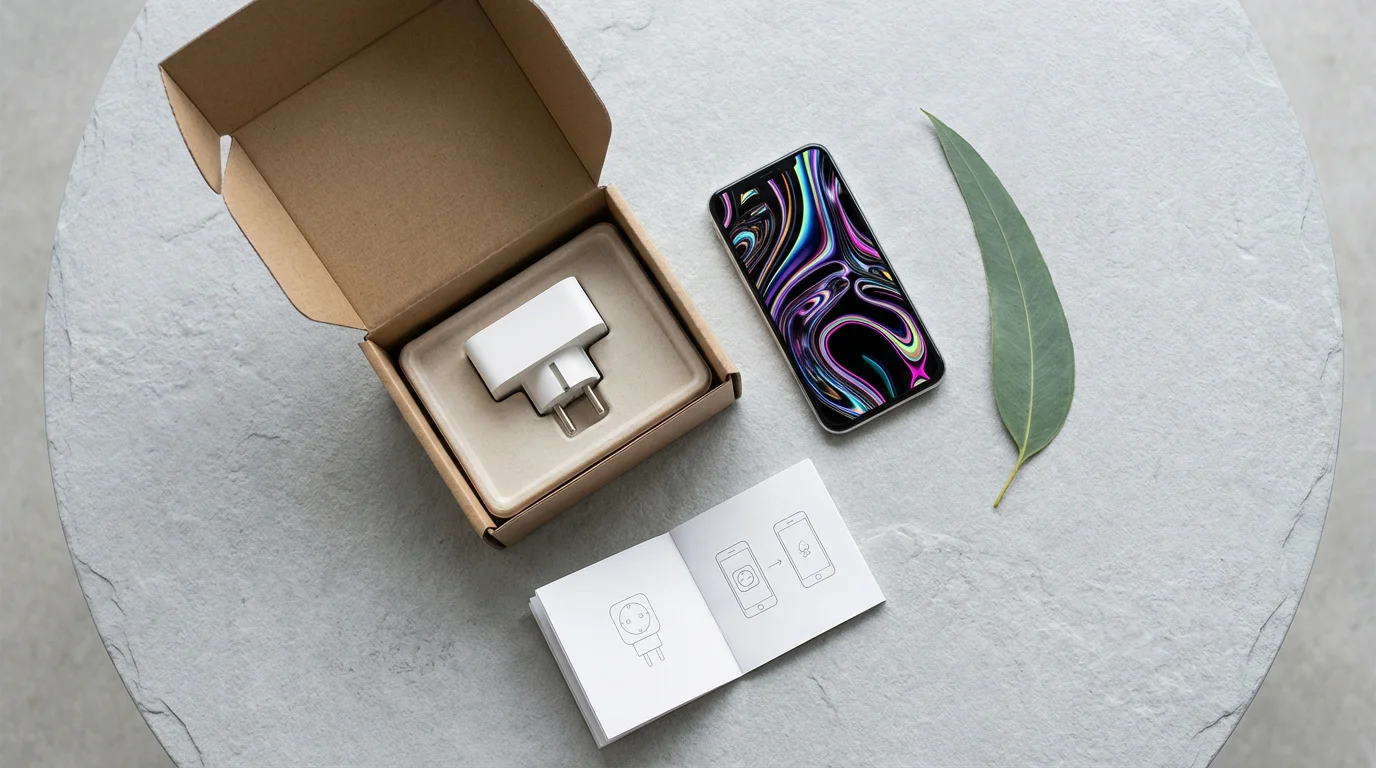
Starting with smart technology might seem daunting, but it is often simpler than you imagine. Choose one device that addresses a specific need, such as a smart speaker or a smart plug, to begin your journey. Follow these general steps for setting up most iot devices:
To continue building your digital confidence, you can also explore various free online learning resources that offer introductory technology classes.
- Unbox and Plug In: Carefully remove the device from its packaging and plug it into a power outlet, if required. For a smart light bulb, simply screw it into a lamp socket.
- Download the App: Most IoT devices require a specific app on your smartphone or tablet. Go to your device’s app store (the App Store for iPhones or Google Play Store for Android phones). Search for the brand name of your device, such as “Ring” or “Philips Hue.” Download the app. You will see an icon that looks like a cloud with an arrow pointing down, or a button that says “Install” or “Get.”
- Create an Account: Open the app. It will usually prompt you to create a new account using your email address and a strong password. Always choose a password that is unique and difficult to guess.
- Connect to Wi-Fi: The app will guide you through connecting your new device to your home’s Wi-Fi network. You will need your Wi-Fi network name (SSID) and password, usually found on a sticker on your internet router. Make sure your smartphone is connected to the same Wi-Fi network that you want your smart device to use.
- Follow In-App Instructions: The app often provides step-by-step instructions specific to your device. This might involve pressing a button on the device, holding your phone near it, or scanning a QR code. Pay close attention to these instructions.
- Test Your Device: Once setup is complete, try using your new smart technology. For a smart light, try turning it on and off with the app. For a smart speaker, try saying, “Hey [Assistant Name], what time is it?”
If you encounter any issues, remember that the device manufacturer’s website or the app’s help section often offers detailed support. You can also consult resources like GCFGlobal Digital Literacy for clear, free tutorials on various tech topics, including smart home basics.
Enhancing Daily Life with Smart Home Technology
Once you are comfortable with one or two iot devices, you will discover many ways smart technology improves your daily life. Consider these benefits:
While smart devices automate many aspects of home upkeep, keeping your physical space secure and operational is easy with simple home maintenance repairs you can do yourself.
- Increased Safety and Security: Smart doorbells, cameras, and door locks allow you to monitor your home remotely. Motion-activated lighting can deter intruders. Medical alert systems with fall detection provide critical assistance when needed.
- Greater Convenience: Control lights, thermostats, and appliances without leaving your chair. Set routines for devices to turn on or off automatically. For example, your coffee maker could start brewing at 7:00 AM every weekday.
- Energy Savings: Smart thermostats learn your habits and adjust temperatures to save energy. Smart lighting can automatically turn off when no one is in a room, reducing electricity usage.
- Enhanced Connectivity: Smart speakers offer an easy way to call family members or listen to podcasts and audiobooks. Video doorbells help you stay connected with visitors.
- Peace of Mind: Remotely check if you left a light on or if your front door is locked. Receive alerts if a smoke detector goes off or if a water leak is detected, allowing you to react quickly.
These advantages demonstrate how smart technology moves beyond mere gadgets, transforming your home into a more responsive and helpful environment.
Understanding and Managing IoT Privacy and Security
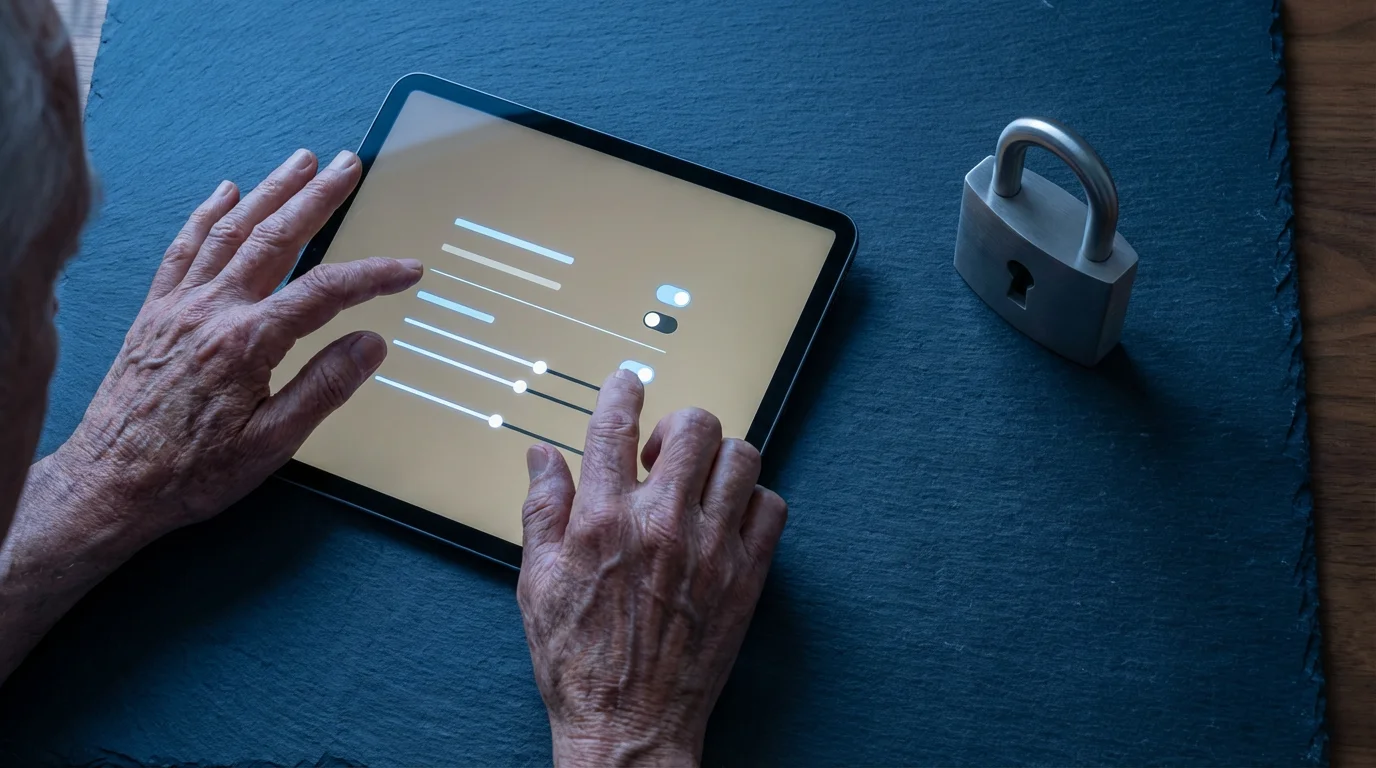
Connecting devices to the internet means you need to consider privacy and security. Just as you protect your computer or smartphone, you must protect your iot devices. Here are key actions you can take:
In addition to locking down your physical devices, staying safe in the digital age means knowing the steps for protecting yourself from online scams and other web threats.
- Use Strong, Unique Passwords: Every new account you create for a smart device app needs a strong, unique password. Avoid using the same password for multiple accounts. A strong password combines uppercase and lowercase letters, numbers, and symbols.
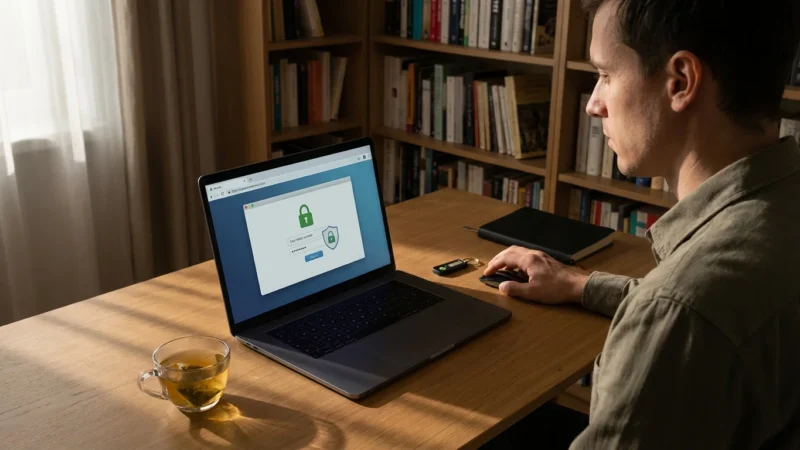
- Enable Two-Factor Authentication (2FA): If the app offers it, turn on 2FA. This adds an extra layer of security, often requiring a code sent to your phone in addition to your password when you log in from a new device.
- Keep Software Updated: Device manufacturers regularly release software updates to fix security vulnerabilities and add new features. Check your device’s app or settings for update notifications and install them promptly.
- Review Privacy Settings: Many smart devices collect data about your usage. Regularly review the privacy settings within the device’s app. Adjust them to limit what information the device collects and shares.
- Be Mindful of Voice Assistants: Smart speakers record your voice commands to process them. You can usually review and delete these recordings through the device’s app settings. Be aware of what you say around them.
- Secure Your Wi-Fi Network: Your home Wi-Fi network is the gateway for your IoT devices. Ensure your Wi-Fi router has a strong, unique password and that its security settings are up to date. The FTC Online Security provides excellent advice on securing your home network.
By taking these steps, you maintain control over your personal information and protect your smart home from potential threats. Security practices are crucial for all forms of smart technology.
Troubleshooting Common IoT Problems
Even with simple smart technology, you might encounter issues occasionally. Do not get discouraged. Many common problems have straightforward solutions. If this does not work the first time, that is okay; patience helps. Try these troubleshooting steps:
- “My device is offline” or “My device is not responding.”
- Check Power: Ensure the device is plugged in and powered on.
- Check Wi-Fi: Verify your home Wi-Fi is working. Try browsing a website on your smartphone. If your Wi-Fi is down, other IoT devices will not work either.
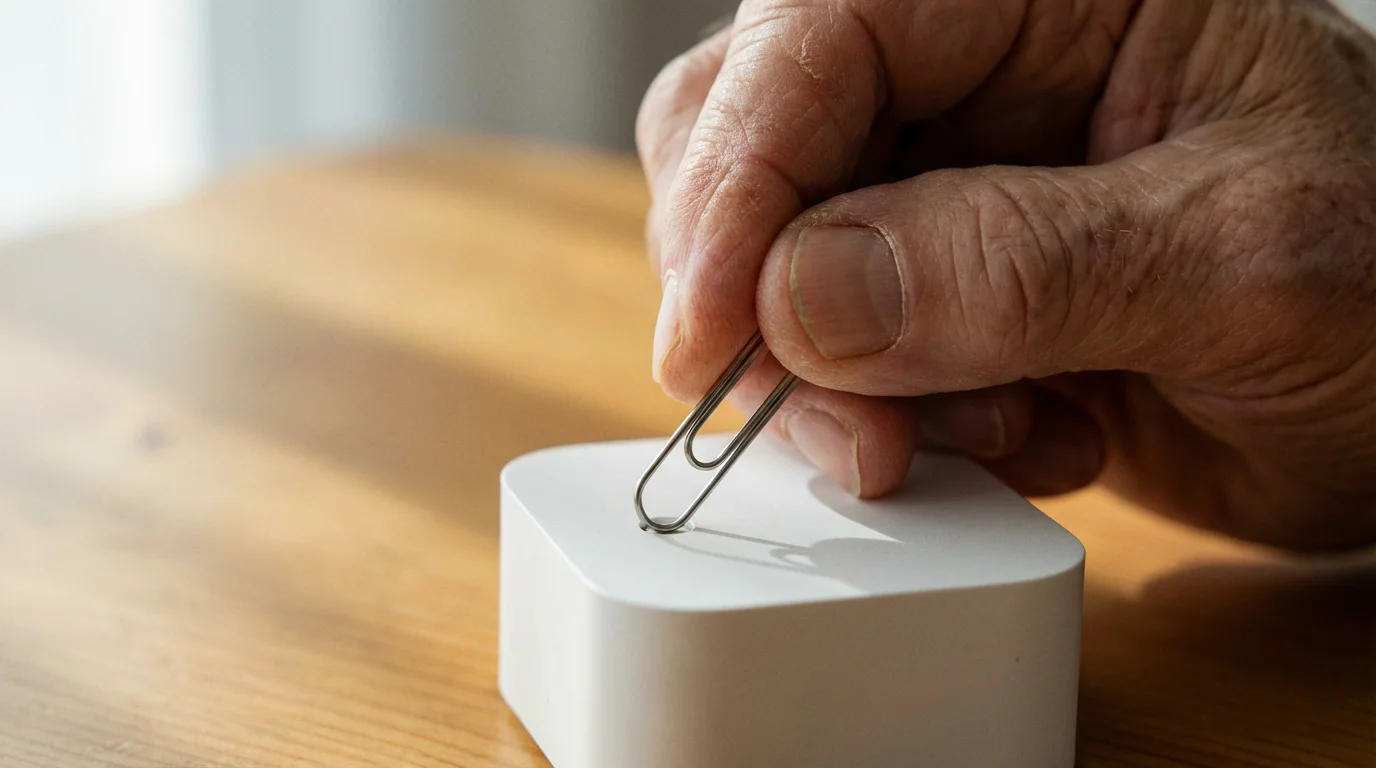
- Restart Device: Unplug the smart device from power for 30 seconds, then plug it back in. This often resolves temporary glitches.
- Restart Router: If restarting the device does not work, unplug your Wi-Fi router from power for 60 seconds, then plug it back in. Wait a few minutes for it to fully restart before testing your IoT device again.
- Check App: Open the device’s app. Look for any error messages or connection status indicators.
- “My voice assistant is not understanding me.”
- Speak Clearly: Articulate your commands clearly and at a normal volume.
- Check Distance: Make sure you are within a reasonable distance from the smart speaker.
- Check Microphone: Some smart speakers have a mute button for the microphone. Ensure it is not accidentally muted. Look for an icon that looks like a crossed-out microphone.
- Rephrase: Try rephrasing your command. Sometimes, specific phrasing works better.
- “My app is not connecting to my device.”
- Check Phone’s Wi-Fi: Ensure your smartphone is connected to the same Wi-Fi network as your IoT device.
- Update App: Check your phone’s app store for updates to the device’s app. Install any available updates.
- Restart Phone: Turn your smartphone off and then back on.
- Re-pair Device: As a last resort, you might need to “unpair” or “forget” the device within its app and then go through the setup process again. The app will provide instructions for this.
Many device manufacturers offer excellent online support pages or phone numbers for further assistance. Do not hesitate to use these resources.
Frequently Asked Questions
What is the difference between Wi-Fi and Bluetooth?
Wi-Fi connects devices to your home internet network, allowing them to communicate over longer distances and access online services. Bluetooth connects devices directly to each other over short distances, typically within the same room, without needing an internet connection. You use Wi-Fi for your smart thermostat, but Bluetooth often connects a wireless headset to your phone.
Do I need a smartphone to use IoT devices?
Most IoT devices require a smartphone or tablet for initial setup and management through their dedicated app. However, once set up, many devices, like smart speakers or smart plugs, can be controlled with voice commands or scheduled automation without needing your phone constantly. For a full smart home experience, a smartphone is highly recommended.
Are IoT devices secure from hackers?
No device is 100% immune to all threats, but reputable IoT devices include built-in security features. You play a crucial role in maintaining security by using strong, unique passwords, enabling two-factor authentication, and keeping your device software and apps updated. Always choose devices from trusted brands that regularly release security updates.
What if my internet goes down? Will my IoT devices still work?
Some basic functions might still work. For example, a smart light bulb might still turn on or off with a physical switch, or a smart thermostat might follow its last programmed schedule. However, most remote control features, voice commands, and communication between devices that rely on cloud services will not function without an active internet connection.
Can IoT devices spy on me?
The privacy concerns with IoT are legitimate. Devices with microphones (smart speakers) or cameras (video doorbells) collect data. Reputable brands design these devices to only record or transmit data when activated or triggered (e.g., you say “Hey Google” or someone presses the doorbell). Always review the privacy policies and settings within the device’s app to understand and control what data is collected and how it is used. You can often limit data collection or delete recordings.
Is the Internet of Things expensive?
The cost of IoT varies widely. You can start with an inexpensive smart plug for around $15-20, or a basic smart light bulb for $10-25. More advanced devices like smart thermostats or video doorbells can range from $100-300. You do not need to buy everything at once. Start small with devices that offer the most value or solve a specific problem for you, then gradually expand your smart home as you feel comfortable.
Embracing Smart Technology for a Connected Life
The Internet of Things offers significant opportunities to enhance your comfort, safety, and independence. By starting with one simple device and gradually exploring its capabilities, you can build confidence and discover the practical benefits smart technology brings. Remember that technology is there to serve you. You have the power to choose how to integrate it into your life, making your home more responsive and supportive. Embrace the possibilities of a connected world and enjoy the newfound ease it provides.
Disclaimer: This article is for informational purposes only. Device interfaces and features may vary depending on your device model and software version. Screenshots and steps are based on common versions but your experience may differ slightly. When in doubt, consult your device manufacturer’s official support resources.




Leave a Reply