
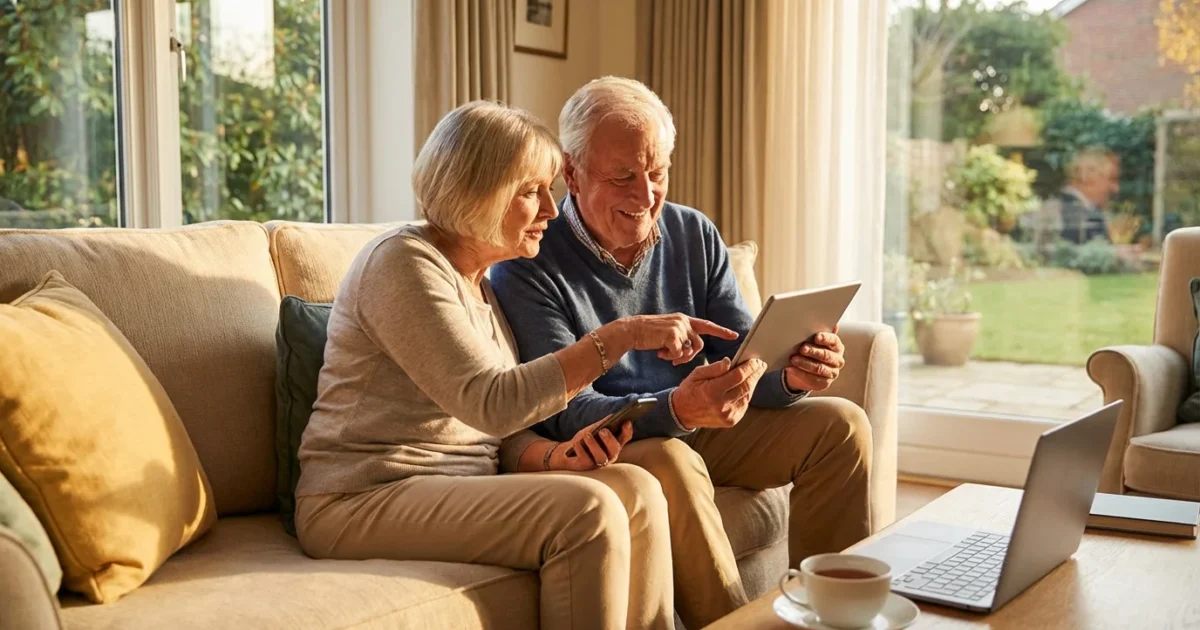
Technology offers powerful tools for maintaining independence, enhancing safety, and enriching your daily life. Embracing these innovations allows you to connect with loved ones, manage your home, and access valuable resources with greater ease. You can learn new skills, stay entertained, and even monitor your health, all from the comfort of your home. This guide provides practical, actionable insights on how to integrate technology into your routine to live comfortably and safely.

Embracing Technology for a Fuller Life
Many seniors discover technology significantly improves their quality of life. From simple communication tools to advanced home management systems, these innovations make daily tasks easier. They reduce isolation, foster connections, and provide peace of mind. You can tailor technology to your specific needs and comfort level, adopting what works best for you.
Adopting these tools is a vital step toward preventing social isolation by keeping you connected to your local community and peers.
Research consistently shows that technology use among seniors is on the rise. AARP reports that adults 50 and over are increasingly using smartphones, social media, and smart home devices. This trend reflects technology’s growing accessibility and practical benefits for aging in place.
“An ounce of prevention is worth a pound of cure.”
This timeless wisdom applies well to technology. Proactive adoption of tools can prevent problems later, whether by enhancing safety or keeping communication channels open.
Staying Connected Through Communication
Maintaining strong social connections is vital for overall well-being. Technology simplifies this process, allowing you to reach family and friends no matter the distance. These tools are especially helpful for seniors living alone or with family in other cities.
Video Calling
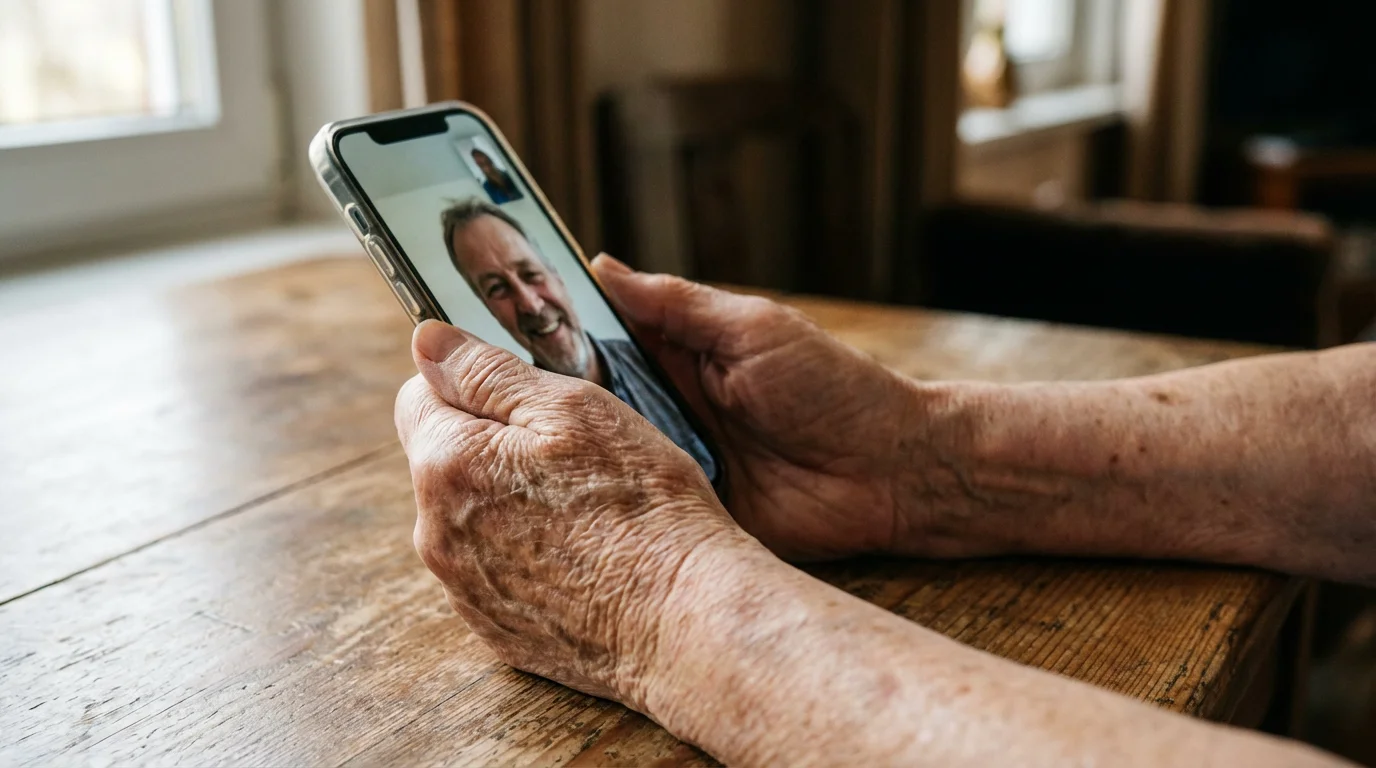
Video calling apps offer face-to-face interaction, bringing smiles and warmth to your conversations. You see expressions and share moments that text or voice calls cannot capture. Many families use these tools regularly for virtual gatherings.
- Zoom: A popular platform for group calls, easy to join with a link.
- FaceTime: Apple’s built-in video call app, seamless for iPhone and iPad users.
- Skype: Offers video and voice calls to contacts worldwide.
- Google Meet/Duo: Integrates well with Google accounts, simple for Android users.
You need a smartphone, tablet, or computer with a camera and internet access to use these services. Most are free for basic use, making them an affordable way to stay close.
Smartphones and Tablets
Smartphones and tablets are versatile devices for communication, information, and entertainment. They combine calling, texting, email, and app access in one portable unit. Choosing the right device improves your experience significantly.
Consider these features when selecting a device:
- Larger Screens: Easier to read text and view photos.
- Simplified Interfaces: Some devices or operating systems offer “senior mode” options with bigger icons and straightforward navigation.
- Voice Control: Use your voice to make calls, send texts, or open apps, reducing manual effort.
- Long Battery Life: Ensures your device remains powered throughout the day.
Easiest smartphones for seniors often include models designed with larger buttons or simpler menus. Brands like Jitterbug offer phones specifically for seniors, providing clear audio and dedicated support. Regular smartphones from Apple (iPhones) and Samsung (Galaxy) also offer accessibility settings you can customize for easier use.

Smart Home Devices for Convenience and Safety
Smart home technology enhances both convenience and safety, making daily living more manageable. These devices connect to your home’s internet, allowing you to control them remotely or through voice commands. They can significantly reduce physical strain and add layers of security to your living space.
If you are new to these technologies, our introduction to smart home devices provides a simple overview of how they can simplify your routine.
Voice Assistants and Smart Speakers
Devices like Amazon Echo (Alexa) or Google Home simplify many tasks. You use your voice to set reminders, play music, get weather updates, or even call family. These devices eliminate the need for complicated buttons or screens, making technology more accessible.
Benefits of smart speakers:
- Hands-Free Communication: Make calls to contacts directly through the speaker.
- Reminders and Alarms: Set medication reminders or daily activity alerts.
- Information Access: Ask for news, recipes, or general information instantly.
- Entertainment: Play audiobooks, podcasts, or your favorite music.
Many smart speakers cost between $30 and $100, depending on features. Their utility in daily routines often outweighs this initial investment.
Smart Lighting and Thermostats
Adjusting lights or room temperature can become challenging for some. Smart lighting and thermostats offer effortless control. You use an app on your phone or a voice command to manage these settings.
- Smart Lights: Turn lights on or off, or dim them, without getting up. You can also schedule lights to come on automatically, deterring potential intruders when you are away.
- Smart Thermostats: Control your home’s temperature from your bed or even when you are out. This saves energy and ensures comfort upon your return.
These devices typically range from $20 to $50 per smart bulb and $100 to $250 for a smart thermostat. They offer long-term savings through energy efficiency.
Doorbell Cameras and Smart Locks
Enhanced home security provides immense peace of mind. Smart doorbells and locks let you monitor and control access to your home. You see who is at your door without opening it, improving personal safety.
- Video Doorbells: View visitors on your smartphone or smart speaker display, and speak to them remotely. This prevents unnecessary risks of opening the door to strangers.
- Smart Locks: Lock or unlock your door from your phone, or grant temporary access to caregivers or family members. These systems often integrate with other smart home devices.
Video doorbells generally cost $100 to $250, while smart locks range from $150 to $300. Professional installation may add to these costs, usually around $75 to $150 per device.

Navigating the Internet Safely
Online safety is paramount as you explore the digital world. The internet offers vast resources, but it also presents risks such as scams and fraud. Protecting your personal information requires vigilance and knowledge.
To further simplify your digital life, you can use senior-friendly financial apps to securely monitor your bank accounts and track your spending.
Recognizing Scams and Phishing Attempts
Scammers often target seniors through deceptive emails, phone calls, or websites. They pretend to be legitimate organizations to trick you into revealing sensitive information or sending money. Learning to identify these attempts protects your finances and privacy.
Look for these red flags:
- Urgent or Threatening Language: Scammers often create a sense of urgency, threatening legal action or loss of services if you do not act immediately.
- Requests for Personal Information: Legitimate organizations rarely ask for your Social Security number, bank account details, or passwords via email or unsolicited phone calls.
- Poor Grammar and Spelling: Professional organizations send well-written communications. Typos often indicate a scam.
- Suspicious Links: Hover your mouse over links in emails without clicking. If the URL does not match the sender, it is likely a phishing attempt.
- Unexpected Offers: Be wary of unsolicited prize winnings or too-good-to-be-true investment opportunities.
If you suspect a scam, do not respond. Block the sender and report the incident to relevant authorities like the Federal Trade Commission.
Strong Passwords and Two-Factor Authentication
Your passwords are your first line of defense against online threats. Create unique, complex passwords for each online account. Combine uppercase and lowercase letters, numbers, and symbols.
Consider using a password manager. These tools securely store all your passwords, so you only need to remember one master password. They also generate strong, unique passwords for you.
Enable two-factor authentication (2FA) whenever possible. This adds an extra layer of security. After entering your password, 2FA requires a second verification, often a code sent to your phone or email. This makes it much harder for unauthorized individuals to access your accounts, even if they know your password.
Health and Wellness Technology
Technology plays an increasing role in managing your health and promoting well-being. These tools help you monitor vital signs, stay active, and connect with healthcare providers. They empower you to take a more active role in your health journey.
Beyond monitoring your health, your connected devices open up a world of leisure through the best streaming services for seniors, offering endless movies and classic television shows.
Beyond health monitoring, you can use your tablet or computer to grow your knowledge by exploring online learning resources tailored for older adults.
Wearable Devices
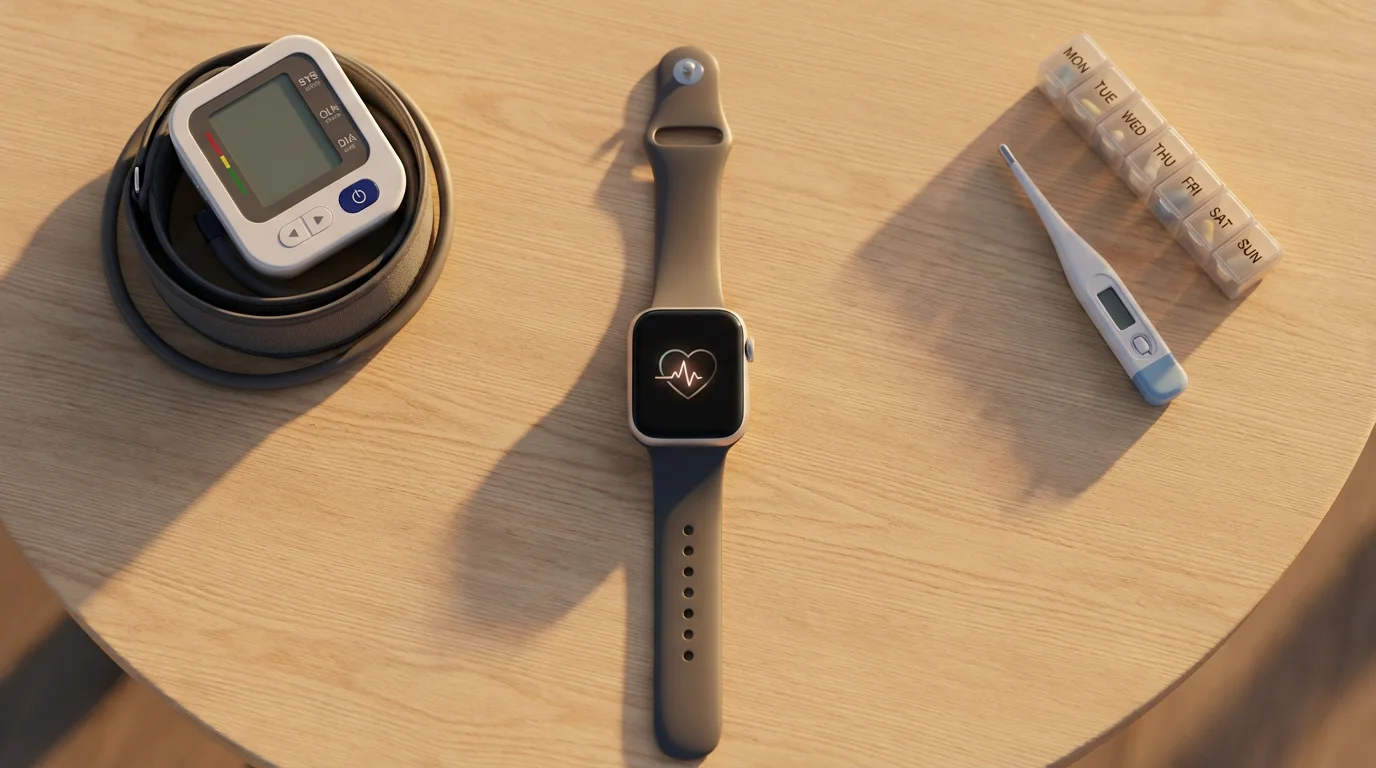
Wearable devices, like smartwatches or fitness trackers, monitor various health metrics. They encourage physical activity and provide valuable data for you and your doctor. Many seniors find these devices motivating.
- Activity Tracking: Counts steps, monitors distance walked, and estimates calories burned.
- Heart Rate Monitoring: Tracks your pulse throughout the day and during exercise.
- Sleep Tracking: Analyzes sleep patterns, helping you understand and improve your sleep quality.
- Fall Detection: Some advanced smartwatches can detect a hard fall and automatically call emergency services if you are unresponsive. This feature offers significant peace of mind.
Basic fitness trackers cost around $30 to $100, while smartwatches with advanced health features and fall detection can range from $200 to $400. These are often one-time purchases without ongoing fees.
Telehealth and Online Health Resources
Telehealth allows you to consult with doctors and specialists remotely, using video calls or phone calls. This saves travel time and makes healthcare more accessible, especially for those with mobility challenges. Many insurance plans now cover telehealth services.
Online health portals provide access to your medical records, appointment scheduling, and prescription refills. These platforms streamline health management and help you stay informed about your care. Always use official hospital or clinic portals for your health information.
Reliable online health resources, like the National Institute on Aging, offer trustworthy information on various health topics. This helps you make informed decisions about your well-being. You can explore topics ranging from healthy eating to exercise routines and disease prevention strategies.
Medical Alert Systems
Medical alert systems provide immediate access to emergency help with the press of a button. These systems are invaluable for seniors living alone or those with medical conditions. They offer a direct line to assistance, regardless of the time of day.
Options include:
- In-Home Systems: A base unit connects to a wearable button worn as a necklace or wristband. You press the button to speak with a monitoring center.
- Mobile Systems: These devices work outside your home, often with GPS tracking. They provide protection wherever you go, whether on a walk or at a store.
- Automatic Fall Detection: Some systems include sensors that detect a fall and automatically alert the monitoring center, even if you cannot press the button.
The cost for medical alert systems typically involves a monthly subscription fee, ranging from $20 to $50. Some companies also require an initial equipment fee, usually around $50 to $150, but many offer free equipment with a service plan. These fees provide 24/7 monitoring and peace of mind.

Entertainment and Lifelong Learning
Technology offers endless opportunities for entertainment, hobbies, and continuing your education. You can explore new interests, revisit old passions, and stay mentally engaged. This contributes significantly to overall happiness and cognitive health.
Streaming Services and Digital Media
Streaming services provide access to a vast library of movies, TV shows, music, and audiobooks. You can watch or listen to what you want, when you want, often without commercials. This replaces traditional cable TV and provides more personalized content.
- Video Streaming: Services like Netflix, Hulu, and Disney+ offer movies and TV series across various genres.
- Music Streaming: Platforms such as Spotify and Apple Music provide millions of songs, allowing you to create personalized playlists.
- Audiobooks: Services like Audible offer a wide selection of books to listen to, perfect for those with vision impairment or who prefer auditory learning.
Most streaming services cost between $7 and $20 per month per service. Bundling services can sometimes reduce costs. Many offer free trials, allowing you to sample them before committing.
Online Learning and Hobbies
The internet is a powerful tool for lifelong learning. You can take online courses, learn new languages, or explore historical documentaries. Many universities offer free online courses, making education accessible to everyone.
Platforms like Coursera, edX, and Khan Academy provide structured learning opportunities in countless subjects. You can also find tutorials on YouTube for practically any hobby, from gardening to painting. These resources keep your mind sharp and provide engaging activities.

Choosing the Right Devices: Simplified Options
Selecting the correct technology does not have to be overwhelming. Focus on your specific needs and comfort level. You do not need the latest gadget to benefit from technology. Often, simpler models offer the best user experience.
Consider these factors when choosing:
- Ease of Use: Look for large buttons, clear screens, and intuitive interfaces.
- Accessibility Features: Check for adjustable text sizes, voice control options, and screen readers.
- Support and Training: Some brands or retailers offer dedicated customer support or tutorials for seniors.
- Cost: Balance features with your budget. Remember, basic models often provide essential functionality without the high price tag.
- Connectivity: Ensure the device connects reliably to your home Wi-Fi or cellular network.
Adult children assisting their parents should prioritize user-friendliness over advanced features. A device that feels comfortable and easy to navigate will see more consistent use.

Getting Started: Learning and Support
Learning new technology takes time and patience. Do not feel intimidated if you encounter challenges. Many resources exist to help you become proficient and confident in your digital skills. You can start with small steps and gradually expand your usage.
Local Resources and Classes
Many community centers, libraries, and senior organizations offer technology classes and workshops. These programs provide hands-on learning in a supportive environment. You can learn alongside peers and ask questions directly to instructors.
Look for classes covering:
- Basic computer skills.
- Smartphone and tablet operation.
- Using video calling apps.
- Online safety and internet navigation.
- Specific software or apps relevant to your interests.
These local resources often provide free or low-cost training, making them an excellent starting point. Check your local library’s schedule or contact your area’s senior services for information.
Family and Friends
Your family members and friends can be invaluable resources for technology support. Do not hesitate to ask for help with setup, troubleshooting, or learning new features. Encourage them to show you step-by-step how to perform tasks, rather than doing it for you. This helps you build your own skills.
You might consider setting up regular “tech check-in” times with a trusted family member. During these sessions, you can review any questions or issues that have arisen. This consistent support builds confidence and resolves problems quickly.
Online Tutorials and Customer Support
Many technology companies offer extensive online tutorials, videos, and FAQs. These resources can walk you through common tasks and provide solutions to technical issues. A quick search on YouTube often yields helpful video guides for specific devices or apps.
Do not underestimate the power of customer support. Most reputable technology brands offer phone or chat support. When you encounter a problem you cannot solve, contacting their support team is a practical step. Have your device information ready to make the process smoother.

Budgeting for Technology
Integrating technology into your life does not require a large financial outlay. You can make smart choices that fit your budget while still gaining significant benefits. Prioritize technologies that address your most pressing needs, whether it is communication, safety, or health monitoring.
Consider these budgeting strategies:
- Start Small: Begin with one or two devices that offer the greatest impact, such as a simple smartphone or a smart speaker.
- Look for Sales and Refurbished Options: Retailers frequently offer discounts, especially around holidays. Certified refurbished devices can provide significant savings with similar performance.
- Utilize Free Apps and Services: Many essential communication apps, like video calling services, are free to use. Explore free online learning platforms.
- Understand Subscription Costs: Account for ongoing monthly fees for services like streaming, medical alert systems, or premium app subscriptions. Factor these into your monthly budget.
- Check for Senior Discounts: Some cellular providers and technology services offer discounts for seniors. Always ask if these are available.
For example, a basic smartphone might cost $100-200, plus a monthly plan of $30-50. A smart speaker might be $40-80 as a one-time purchase. Medical alert systems typically involve a $20-50 monthly fee. Careful planning allows you to enjoy technology without financial strain.
Frequently Asked Questions
What are the easiest smartphones for seniors?
The easiest smartphones for seniors often feature simplified interfaces, larger icons, and loud, clear audio. Dedicated senior phones, such as Jitterbug models, come with these features built-in, along with dedicated customer support. Standard smartphones like iPhones and Android devices also offer extensive accessibility settings, allowing you to customize the display and voice controls for easier use.
How can seniors stay connected online?
Seniors can stay connected online through various methods. Video calling apps like Zoom or FaceTime allow face-to-face conversations with family and friends. Email and social media platforms provide ways to share updates and communicate asynchronously. Smart speakers offer hands-free calling and can help bridge communication gaps. Online forums and communities also connect seniors with shared interests.
What are common online safety tips for seniors?
Common online safety tips include using strong, unique passwords for all accounts and enabling two-factor authentication whenever possible. Always be suspicious of unexpected emails, phone calls, or texts asking for personal information or demanding immediate action. Do not click on suspicious links. Use antivirus software and keep your devices’ software updated to protect against malware. When in doubt, always verify the sender or caller’s identity through official channels.
Are smart home devices truly beneficial for seniors?
Yes, smart home devices offer significant benefits for seniors. They enhance convenience by allowing voice control for lights, thermostats, and entertainment, reducing the need for physical effort. They also boost safety through features like video doorbells for screening visitors, smart locks for remote access control, and motion-activated lighting to prevent falls. These devices contribute to greater independence and peace of mind.
How much does senior tech generally cost?
The cost of senior tech varies widely depending on the device and its features. Basic smartphones can range from $100 to $200, plus a monthly service plan ($30-50). Smart speakers typically cost $30 to $100. Medical alert systems often have a monthly subscription fee of $20 to $50, sometimes with an initial equipment fee. Streaming services range from $7 to $20 per month. You can find many free apps and online resources to help manage costs.
Disclaimer: This article is for informational purposes only. Home modifications, safety equipment, and services mentioned may vary in availability and suitability for individual circumstances. For significant home modifications, consult with qualified professionals. For health-related safety concerns, consult with healthcare providers.








Leave a Reply