
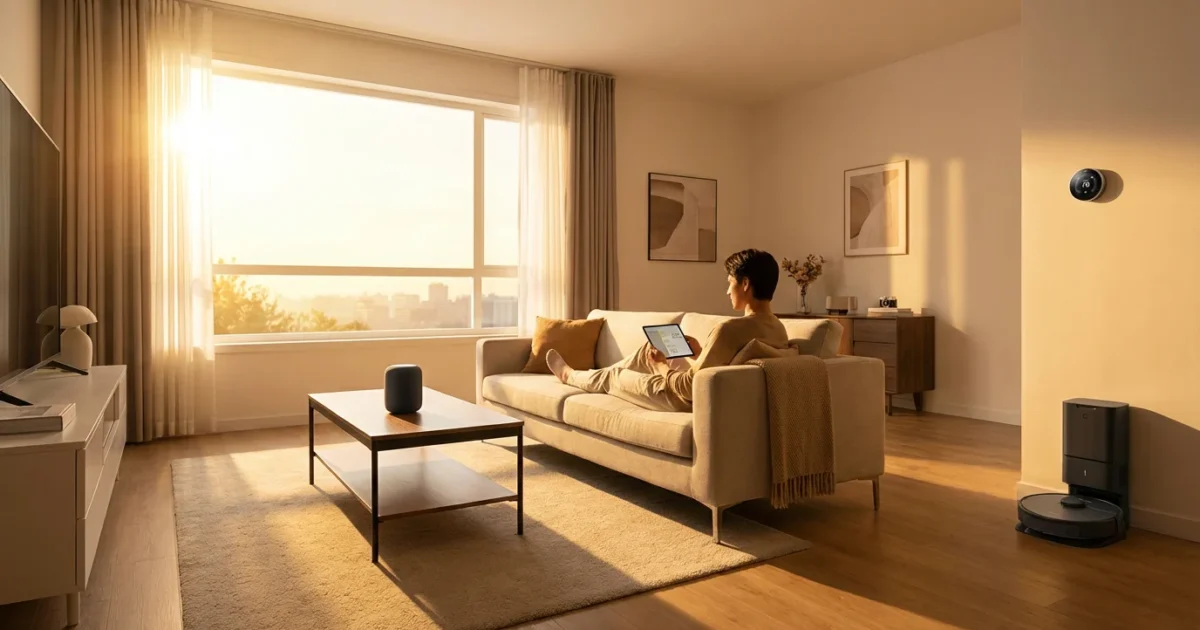
Embracing new technology can feel daunting. You might hear terms like “smart home” or “home automation” and wonder if these devices are truly for you. The good news is, smart home technology aims to simplify your daily life, not complicate it. Imagine controlling your lights with your voice, checking if you locked the front door from your smartphone, or knowing immediately if smoke is detected, even when you are away. These conveniences are more accessible than you might think.
This guide demystifies smart home devices, explaining what they are, how they work, and most importantly, how they can make your senior living experience more comfortable, safer, and more connected. We will focus on practical applications and clear steps, helping you confidently explore the world of smart technology. You possess the intelligence and curiosity to learn new things, and smart home technology is no different.
What Are Smart Home Devices?
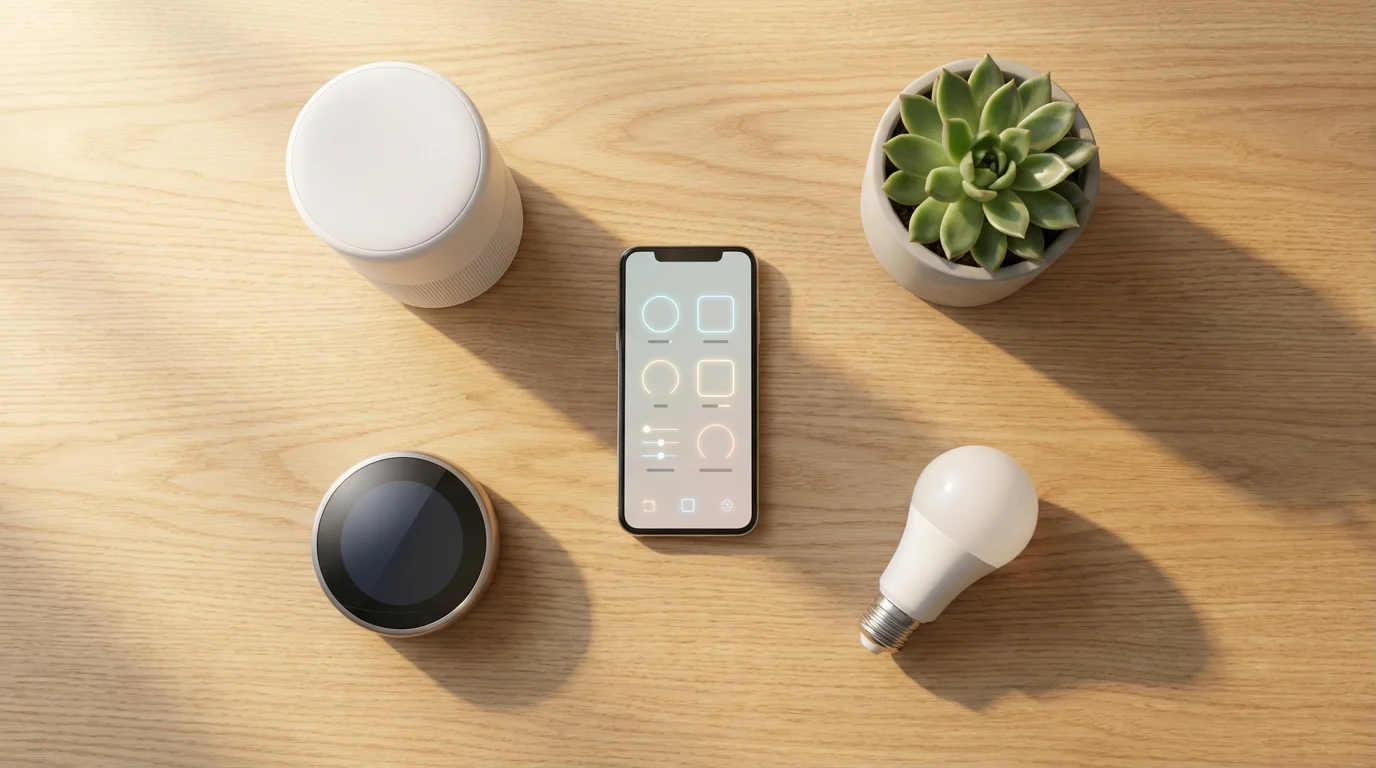
Smart home devices are everyday appliances and gadgets that connect to the internet. This connection allows them to communicate with each other, with your smartphone, or with a central hub, giving you remote control and automated functions. Think of them as your home’s digital assistants, making tasks easier and your environment more responsive to your needs.
Integrating these gadgets is a wonderful way to simplify basic home maintenance, allowing you to monitor your property’s needs with minimal physical effort.
The term “smart” means these devices have a small computer inside them, enabling them to do more than their traditional counterparts. For example, a smart light bulb can turn on or off at scheduled times, change colors, or respond to your voice, unlike a regular light bulb. This internet connection often uses your home’s Wi-Fi, which is your wireless internet connection, the same one your smartphone or computer uses to go online.
How Smart Devices Communicate
Most smart home devices use one of a few common ways to communicate:
- Wi-Fi: Many devices, like smart speakers and cameras, connect directly to your home’s Wi-Fi network. This allows them to access the internet and communicate with apps on your smartphone.
- Bluetooth: Some smaller devices, especially those that need to be close to your phone, use Bluetooth. This is a short-range wireless connection, useful for things like smart door locks or personal health trackers.
- Smart Hubs: Some devices use special low-power wireless signals like Zigbee or Z-Wave. These require a central device called a smart hub to translate their signals into something your Wi-Fi network can understand. The hub acts as a bridge, connecting many different smart devices to your home’s internet.
Understanding these connections helps you realize that smart devices are simply tools designed to make your home more convenient and efficient.

How Smart Homes Enhance Senior Living
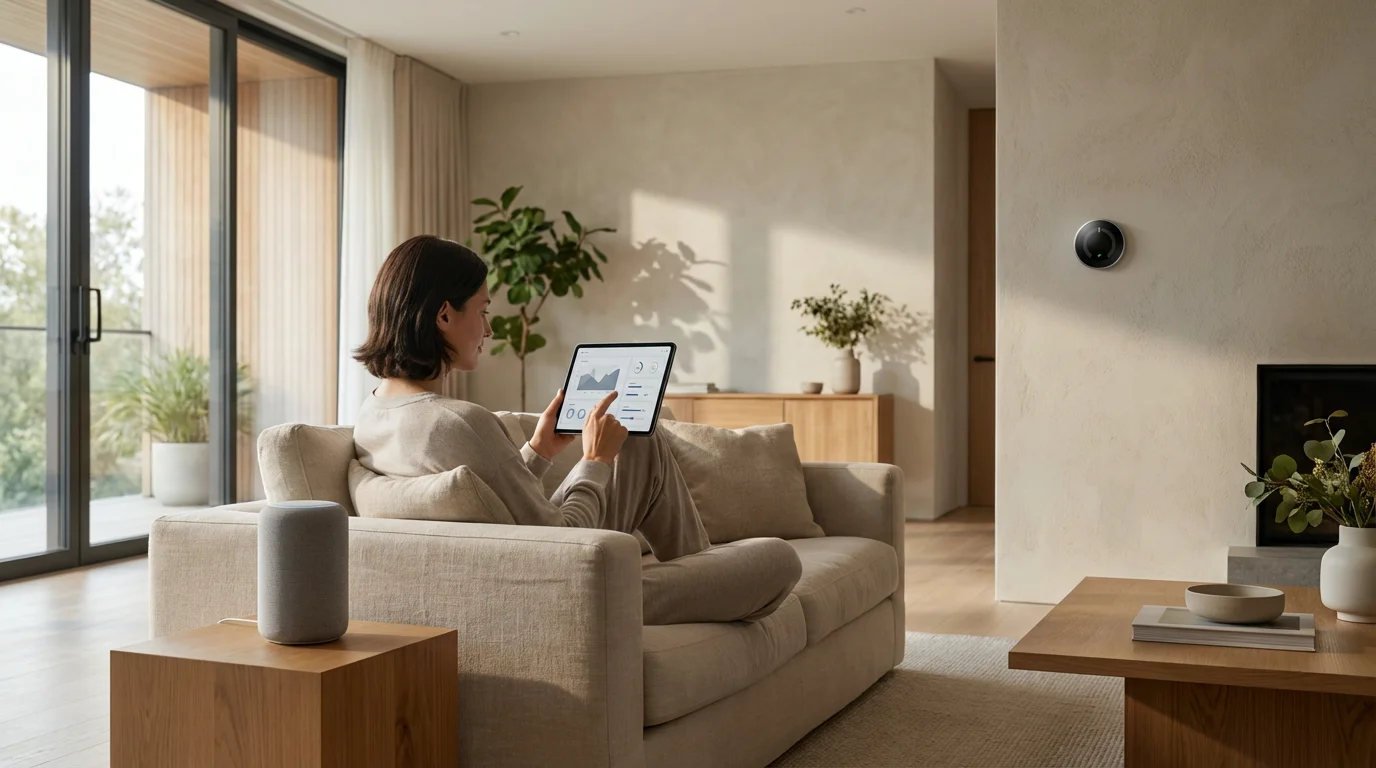
The benefits of smart homes for senior living are significant, focusing on convenience, safety, and connectivity. They empower you to manage your home with greater ease and peace of mind. Many seniors report feeling more independent and secure with smart home technology in place.
Smart lighting is especially effective when combined with other bathroom accessibility modifications to prevent slips and falls during the night.
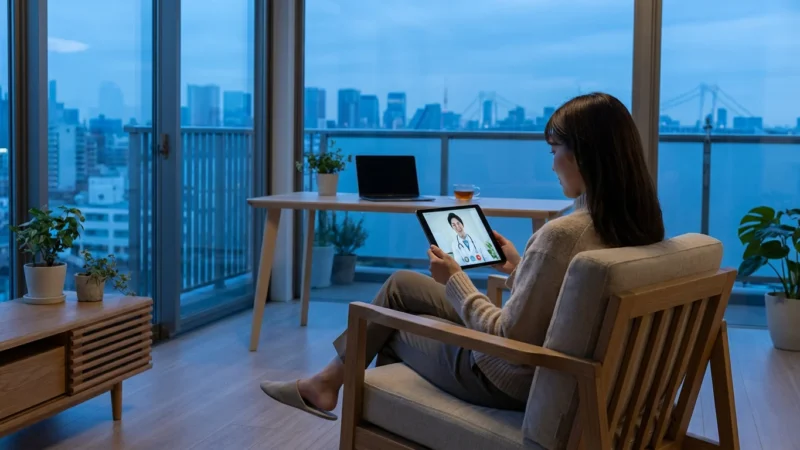
Beyond immediate safety, many of these systems can eventually assist with accessing healthcare remotely through integrated telehealth services.
These connected devices also provide excellent ways for building connections and finding purpose by keeping you in constant contact with friends and family.
Beyond convenience, many of these automated safety upgrades can even qualify you for homeowners insurance discounts for seniors.
Improved Safety and Security
Smart home devices offer tangible improvements to your safety. Here are some examples:
- Smart Lighting: Automatically turns on lights when you enter a room or at dusk, reducing the risk of falls in dimly lit areas. You can also schedule lights to turn on and off when you are away, making your home appear occupied.
- Smart Door Locks: Allows you to lock and unlock your doors remotely using your smartphone or a voice command. This eliminates fumbling for keys and offers peace of mind, letting you confirm your door is secure even after you leave. You can also grant temporary access to caregivers or family members.
- Security Cameras and Doorbells: Lets you see and speak to visitors at your front door from anywhere, using your smartphone. This helps you identify callers without opening the door, enhancing personal security.
- Smoke and Carbon Monoxide Detectors: These smart detectors not only sound an alarm but also send alerts to your smartphone and can even notify family members if smoke or carbon monoxide is detected, whether you are home or not.
Enhanced Comfort and Convenience
Life becomes simpler with smart devices handling routine tasks:
- Voice Assistants: Devices like Amazon Echo (Alexa) or Google Home respond to your voice. You can ask them to play music, check the weather, set reminders, or even make calls to friends and family. They act as a central control point for many other smart devices.
- Smart Thermostats: Adjusts your home’s temperature automatically based on schedules, your presence, or even the weather. You can also change the temperature from your smartphone before you arrive home, ensuring comfort.
- Smart Plugs: These simple devices turn any regular lamp or appliance into a smart one. Plug a lamp into a smart plug, and you can then control that lamp with your voice or smartphone. This is perfect for turning off lamps from your bed without getting up.
- Automated Routines: You can set up “routines” where multiple actions happen with one command. For example, say “Good morning,” and your lights turn on, the thermostat adjusts, and the news starts playing. This level of home automation significantly reduces daily effort.
“Technology is just a tool. It’s how you use it that matters. Smart home devices offer incredible power to simplify and secure your daily routines.”
Greater Connection and Peace of Mind for Families
Smart homes do not just benefit the resident; they also offer peace of mind to adult children and caregivers:
- Remote Monitoring: With proper permissions, family members can monitor smart security cameras, door sensors, or even smart stove monitors, ensuring a loved one’s well-being from a distance.
- Communication: Voice assistants make it easy for you to call family members using just your voice, without needing to dial a phone.
- Emergency Assistance: Some systems offer emergency buttons or fall detection integration, connecting you to help quickly when needed.
These features can provide valuable reassurance that a senior loved one is safe and comfortable, contributing to a better quality of senior living.

Common Types of Smart Home Devices for Seniors
Let us explore some of the most popular and beneficial smart home devices, ideal for those new to home automation. Focus on starting with one or two devices that address your most pressing needs or desires for convenience.
Once your Wi-Fi is set up for smart devices, you can also explore modern streaming services to enjoy movies and news without the high cost of cable.
For those coping with hearing loss, smart speakers can often be paired with Bluetooth-enabled hearing aids for much clearer audio.
Smart Speakers with Voice Assistants (Amazon Echo, Google Home)
These are often the first smart devices people adopt. They are standalone speakers equipped with a voice assistant, like Amazon’s Alexa or Google Assistant. You interact with them by speaking naturally.
- Function: Play music, answer questions, set alarms, make calls, control other smart devices, and provide news or weather updates.
- Benefit for Seniors: Hands-free control is excellent for those with mobility challenges or who find small screens difficult to use. They offer companionship and easy access to information.
- Example: “Alexa, what is the weather today?” or “Hey Google, play some classical music.”
Smart Lighting (Bulbs and Switches)
Smart lighting can be as simple as replacing a light bulb or installing a smart light switch.
- Function: Turn lights on/off, dim them, or change their color using an app or voice commands. Schedule lights to turn on automatically.
- Benefit for Seniors: Prevents falls by ensuring rooms are lit. No more fumbling for light switches in the dark. Can make your home look occupied when you are away.
- Example: “Turn on the living room lights” or “Dim the bedroom light to 50%.”
Smart Plugs
These are small adapters that plug into a standard wall outlet. You then plug any non-smart appliance into the smart plug, instantly making that appliance “smart.”
- Function: Remotely turn any connected device on or off. Schedule power on/off times.
- Benefit for Seniors: Transforms existing lamps, fans, or coffee makers into smart devices without needing to buy new items. Excellent for turning off devices from another room or bed.
- Example: Turn off your bedside lamp from your phone after you are already comfortable in bed.
Smart Thermostats (e.g., ecobee, Nest)
These replace your existing thermostat and connect to your home’s Wi-Fi.
- Function: Adjust heating and cooling remotely, learn your preferences, and save energy.
- Benefit for Seniors: Maintain a comfortable home temperature without having to get up to adjust the thermostat. Easily adjust settings from anywhere using your smartphone.
- Example: Lower the temperature on a hot day before you even arrive home from an outing.
Getting Started with Smart Home Technology: A Simple Approach
The key to successful home automation for seniors is starting small and choosing devices that solve a real problem or add clear convenience. You do not need to automate your entire house overnight. Many people begin with a single smart speaker or a few smart light bulbs.
Gaining confidence with home automation can also empower you to start managing your finances online with greater security and ease.
Creating a tech-ready environment often starts with decluttering your living space to ensure your new sensors and hubs are placed in the most effective locations.
What You Need Before You Start
To begin your smart home journey, you will need a few foundational items:
- A Reliable Home Wi-Fi Network: This is your home’s wireless internet connection. Most smart devices need to connect to it to function. If you have internet at home, you likely already have Wi-Fi.
- A Smartphone or Tablet: You will use a smartphone or tablet (like an iPhone, Android phone, or iPad) to download apps that control your smart devices. These apps are like remote controls for your smart home.
- An Internet Service Provider (ISP) Account: This is the company that provides your home internet service, such as Xfinity, AT&T, or Spectrum.
- A Clear Goal: What problem do you want to solve? Do you want to easily turn off lights? Feel safer at the door? Or simply play music with your voice? Choose a device that addresses this specific need.
Choosing Your First Smart Device
Consider these popular starting points:
- Smart Speaker (Voice Assistant): If you want hands-free control, answers to questions, and easy music playback, an Amazon Echo Dot or Google Nest Mini is a great choice. They often connect to your existing Wi-Fi and are easy to set up.
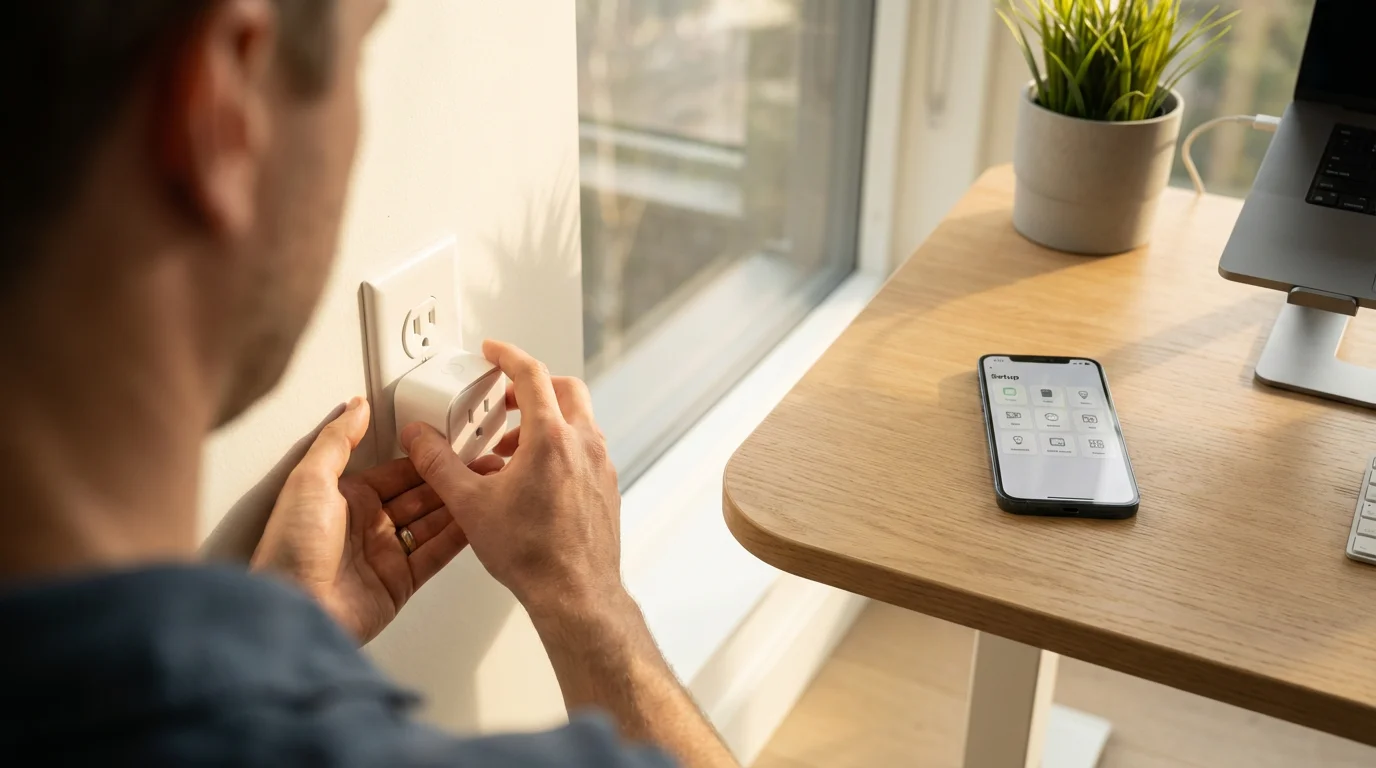
- Smart Plug: To make an existing lamp or fan smart, a smart plug offers a low-cost, easy entry point. You simply plug it in, download its app, and connect it to your Wi-Fi.
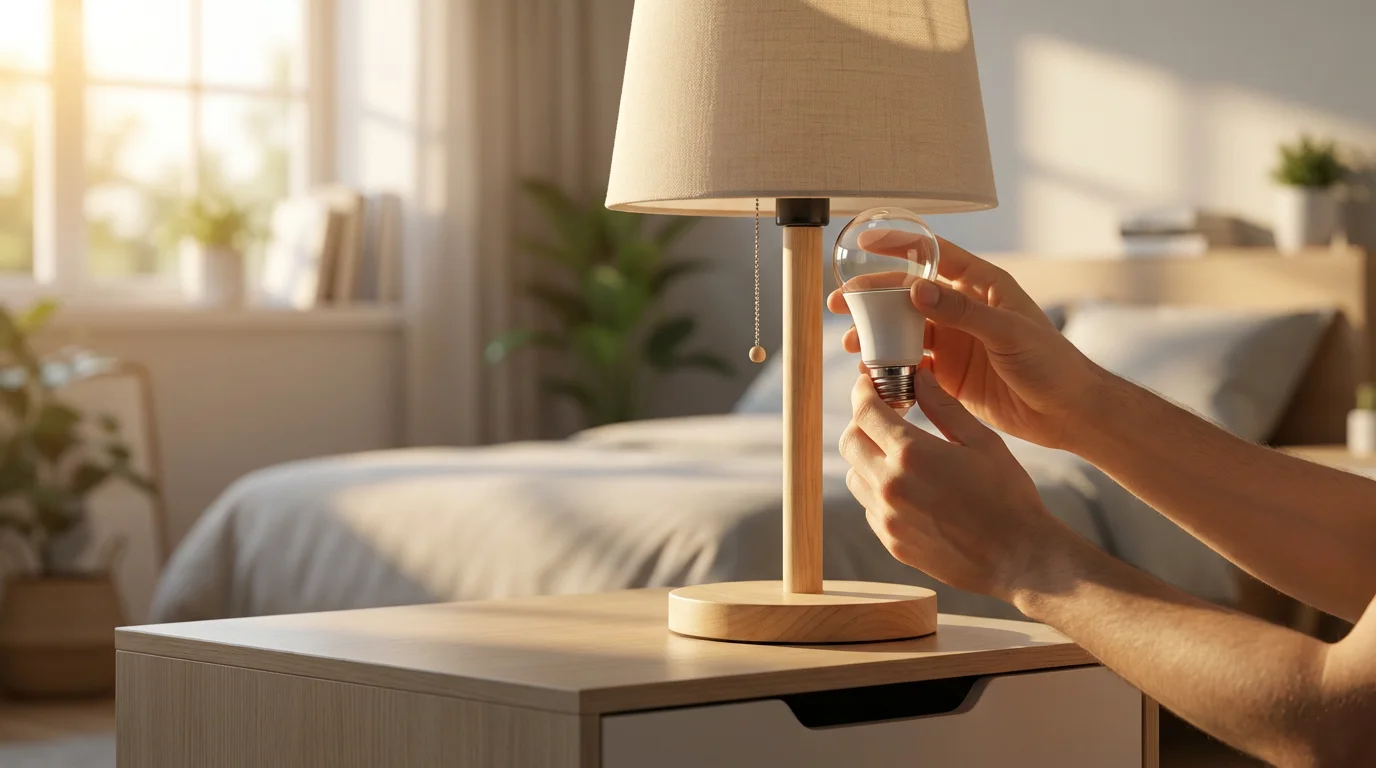
- Smart Light Bulb: If you struggle to reach light switches or want automated lighting, a smart bulb is a simple swap. Many connect directly to Wi-Fi.
Remember, the goal is to make life easier, not more complicated. Pick one device that excites you and learn how to use it thoroughly before adding more.
Setting Up Your First Smart Device: A Step-by-Step Guide
Most smart devices follow a similar setup process. Let us walk through a general guide that applies to many common devices, like a smart plug or smart light bulb.
Before You Begin: Gather Information
- Your Wi-Fi Network Name: This is often displayed on a sticker on your internet router (the box that brings Wi-Fi into your home). It might look like “MyHomeNetwork” or “Linksys12345.”
- Your Wi-Fi Password: Also typically found on the sticker on your router. It is a series of letters and numbers. Keep this handy, as you will need to type it into the device’s app.
- Your Smartphone or Tablet: Ensure it is charged and connected to your home’s Wi-Fi.
- The Device’s Instructions: Always refer to the specific instructions that came with your device, as details can vary.
General Setup Steps for a Smart Device
- Plug In or Install Your Device:
- For a smart plug: Plug it into a wall outlet.
- For a smart light bulb: Screw it into a lamp socket and turn on the lamp.
- For a smart speaker: Plug it into a power outlet.
Look for a light on the device, which often indicates it is in “pairing” or “setup” mode, perhaps blinking.
- Download the Device’s App: On your smartphone or tablet, go to your device’s app store (the App Store for iPhones/iPads or the Google Play Store for Android phones).
- Search for the brand name of your device (e.g., “TP-Link Kasa” for a Kasa smart plug, “Philips Hue” for Philips Hue bulbs, “Amazon Alexa” for an Echo device).
- Tap the button to download and install the app. It usually says “Get” or “Install.”
- Create an Account: Open the app you just downloaded. It will likely ask you to create an account.
- You will need to provide an email address and create a password. Choose a strong, memorable password.
- Write down your account details somewhere safe, in case you forget them.
- Add Your Device in the App: Inside the app, look for a button or option to “Add Device,” “Add Accessory,” or a plus sign (➕).
- The app will guide you through connecting your specific device.
- It might ask you to confirm your device is blinking or in setup mode.
- Connect to Your Wi-Fi Network: The app will prompt you to select your home’s Wi-Fi network name from a list.
- Tap on your Wi-Fi network name.
- Type in your Wi-Fi password carefully. Double-check for typos.
- Tap “Connect” or “Next.”
The device will then attempt to connect. This step sometimes takes a minute or two.
- Name Your Device: Once connected, the app will ask you to give your device a name, like “Living Room Lamp” or “Bedroom Fan.” This name is important because it is what you will use to control it with your voice or app.
- Test Your Device: Now, try controlling it!
- If it is a light, try turning it on and off from the app.
- If you have a smart speaker, try saying, “Alexa, turn on the Living Room Lamp” (using the name you gave it).
If you encounter any issues, that is normal. Technology can be a little particular. Review the instructions again and try restarting your smartphone and the smart device before trying the steps again. Patience is your best tool here.
Ensuring Your Smart Home is Secure and Private
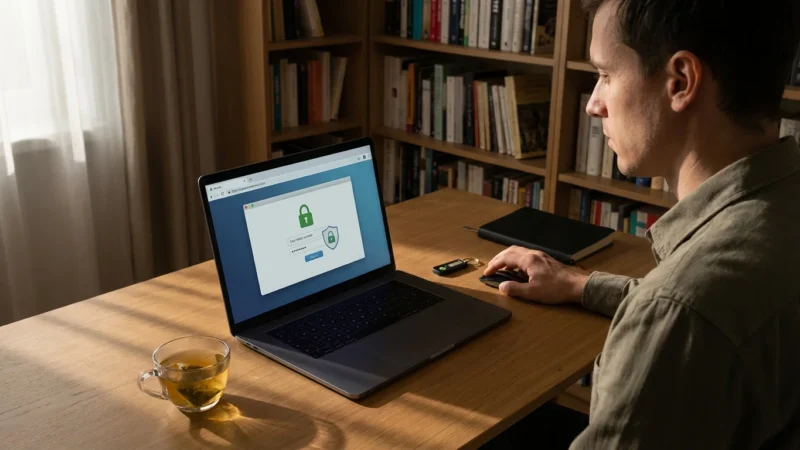
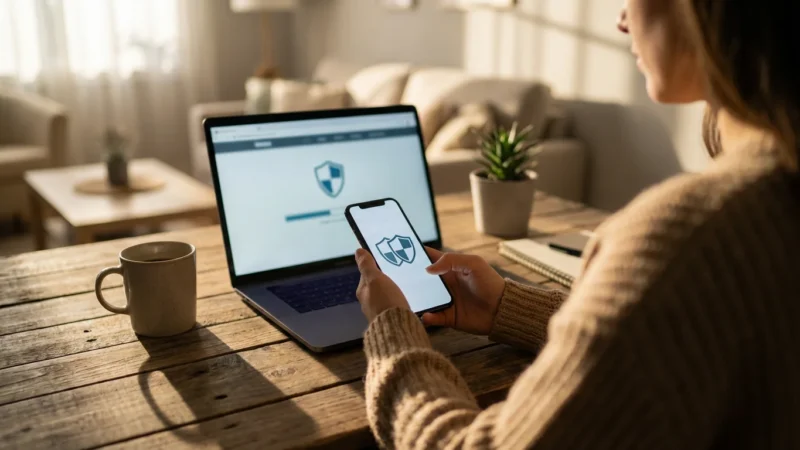
When you connect devices to the internet, it is important to think about security and privacy. You have control over these aspects. Taking a few simple steps protects your information and keeps your smart home safe.
Protecting Your Smart Devices
Follow these practices to enhance your smart home’s security:
- Use Strong, Unique Passwords:
- Always create strong, unique passwords for each smart device app and any associated accounts. A strong password uses a mix of uppercase and lowercase letters, numbers, and symbols.
- Never reuse passwords you use for banking or email.
- Keep Device Software Updated:
- Smart devices, like your smartphone, receive software updates. These updates often include important security fixes.
- Check your device’s app for notifications about updates or find an “Update Firmware” option in the settings. Install updates promptly.
- Secure Your Wi-Fi Network:
- Ensure your home Wi-Fi network itself is password-protected. Most home Wi-Fi comes with a password already set.
- If you are unsure, contact your internet service provider (ISP) for assistance. AARP also offers helpful articles on securing your home Wi-Fi, which you can find at AARP Technology.
- Understand Privacy Settings:
- Familiarize yourself with the privacy settings within each smart device app. You can often control what data is collected or shared.
- For voice assistants, you can typically review and delete past voice recordings through their respective apps or online portals.
- Be Cautious with Permissions:
- When an app asks for permission to access your microphone, camera, or location, consider if it truly needs that access to function. Only grant necessary permissions.
The Federal Trade Commission (FTC) provides excellent resources on online security, which apply to smart devices as well. You can learn more at FTC Online Security.
Troubleshooting Common Smart Home Problems
Even with careful setup, technology can sometimes be temperamental. Do not get discouraged if something does not work right away. Most issues have simple solutions. Remember, it is normal to encounter small hurdles.
“My device is offline” or “It stopped responding.”
This is a common issue and usually means the device lost its connection to your Wi-Fi or the internet. Here is how to troubleshoot:
- Check Your Wi-Fi: Is your home internet working? Try browsing a website on your smartphone. If your internet is down, your smart devices will not work either. Contact your internet service provider if your internet is out.
- Restart the Device: Unplug the smart device from its power source, wait 10-15 seconds, and plug it back in. This often resolves minor connection glitches.
- Restart Your Router: Unplug your internet router (the box that provides your Wi-Fi) from its power outlet. Wait 30 seconds, then plug it back in. It might take a few minutes for your Wi-Fi to come back online. This can often refresh the connection for all your devices.
- Check App Status: Open the device’s app. Sometimes the app will tell you the device’s status and offer specific troubleshooting steps.
- Move Closer to the Router: If your device is very far from your Wi-Fi router, it might have a weak signal. Try moving the device closer to the router temporarily to see if the connection improves.
“My voice assistant is not understanding me.”
Voice recognition can be sensitive to background noise or how you phrase commands.
- Speak Clearly: Articulate your words clearly and speak directly to the smart speaker.
- Reduce Background Noise: Turn down the TV or music if it is interfering.
- Use the Exact Device Name: Make sure you are using the exact name you gave the device in its app (e.g., “Living Room Lamp,” not “the big light”).
- Rephrase Your Command: Try different ways of saying your command. For example, instead of “Turn on light,” try “Turn on the Living Room Lamp.”
“I cannot find the device in its app.”
This usually means the setup process did not complete successfully or the app lost connection to the device.
- Ensure Device is Powered On: Double-check that the smart device is plugged in and has power.
- Restart the App: Close the app completely on your smartphone and reopen it.
- Try Adding the Device Again: Follow the “Add Device” steps in the app carefully from the beginning. Ensure the device is in “pairing” mode (often indicated by a blinking light).
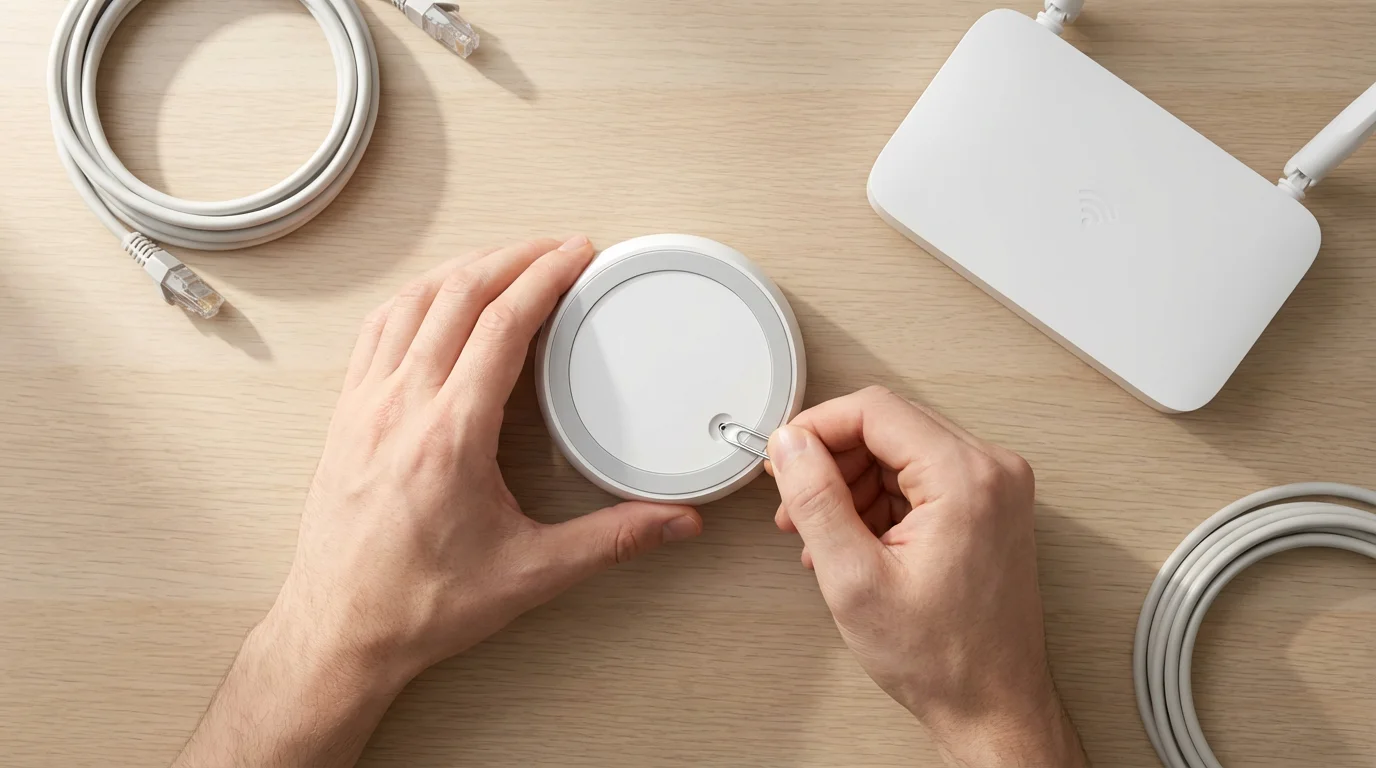
- Reset the Device: Many smart devices have a small reset button or a specific sequence (like turning it on/off a few times) to reset it to factory settings. This clears its previous connection and allows you to start the setup fresh. Consult your device’s manual for specific reset instructions.
Remember, patience is key. If you are still struggling, reaching out to the device manufacturer’s customer support is always an option. They can offer device-specific guidance.
Quick Reference: Key Takeaways for Your Smart Home Journey
As you explore smart home technology, keep these important points in mind. They will help you navigate your journey with confidence and ease.
- Start Small: Begin with one or two devices that address a specific need or provide a clear convenience. A smart plug or a voice assistant is an excellent starting point.
- Your Wi-Fi is Key: Smart devices rely on your home’s wireless internet connection (Wi-Fi). Ensure your Wi-Fi is working well and have your network name and password ready for setup.
- Use Apps for Control: Your smartphone or tablet will host the apps that control your smart devices. These apps act as your remote control and central hub for managing settings.
- Voice Control Simplifies: Voice assistants offer hands-free operation, which is a major benefit for many seniors, reducing the need to interact with small buttons or screens.
- Security Matters: Protect your smart home by using strong, unique passwords and regularly updating your device software. Your privacy is important, and you control it.
- Troubleshooting is Normal: Do not get frustrated if a device does not work perfectly every time. Simple restarts of the device or your Wi-Fi router often solve many common issues.
- Patience and Practice: Like any new skill, using smart home technology improves with practice. Give yourself time to learn and experiment.
Smart home devices are tools designed to make your life easier and more enjoyable. Embrace the opportunity to enhance your senior living experience with these helpful technologies.
Frequently Asked Questions
Are smart home devices difficult for seniors to use?
No, not necessarily. Many smart home devices are designed with simplicity in mind, especially voice-controlled assistants. While there is a learning curve, they often simplify daily tasks like turning on lights or adjusting temperature, which can be much easier than traditional methods. Starting with simple devices and practicing helps build confidence.
Do I need a special internet connection for smart home devices?
You need a reliable home Wi-Fi internet connection. Most homes already have this. Smart devices connect to your existing Wi-Fi network, just like your computer or smartphone. You do not typically need a special type of internet service, but a stable connection ensures devices work smoothly.
What happens if my internet goes out? Will my smart devices still work?
Most smart devices rely on an active internet connection to function fully. If your internet goes out, many smart features, such as remote control from your phone, voice commands, or automated schedules, might stop working. However, some devices, like smart light bulbs, might retain basic on/off functionality from a wall switch. Always check the specific device’s capabilities without an internet connection.
Are smart home devices expensive?
The cost of smart home devices varies widely. You can find very affordable entry-level devices, such as smart plugs or basic smart bulbs, for under $20. More advanced systems, like comprehensive security setups or multiple smart thermostats, can be more expensive. You can start small and add more devices over time as your needs and comfort grow.
Can smart home devices spy on me?
Reputable smart home device manufacturers prioritize user privacy. However, any device connected to the internet carries some level of data collection. You control privacy settings within the device’s app. For voice assistants, you can often review and delete voice recordings. Always use strong passwords and keep device software updated to protect your privacy and security. The transparency in privacy policies for major brands is also improving.
Do I need a smartphone to use smart home devices?
Generally, yes, a smartphone or tablet is necessary for the initial setup and configuration of most smart home devices. You download an app to your smartphone to connect the device to your Wi-Fi and customize its settings. Once set up, many devices can be controlled by voice commands through a smart speaker, reducing the need to constantly use your smartphone for daily actions.
Disclaimer: This article is for informational purposes only. Device interfaces and features may vary depending on your device model and software version. Screenshots and steps are based on common versions but your experience may differ slightly. When in doubt, consult your device manufacturer’s official support resources.



Leave a Reply