
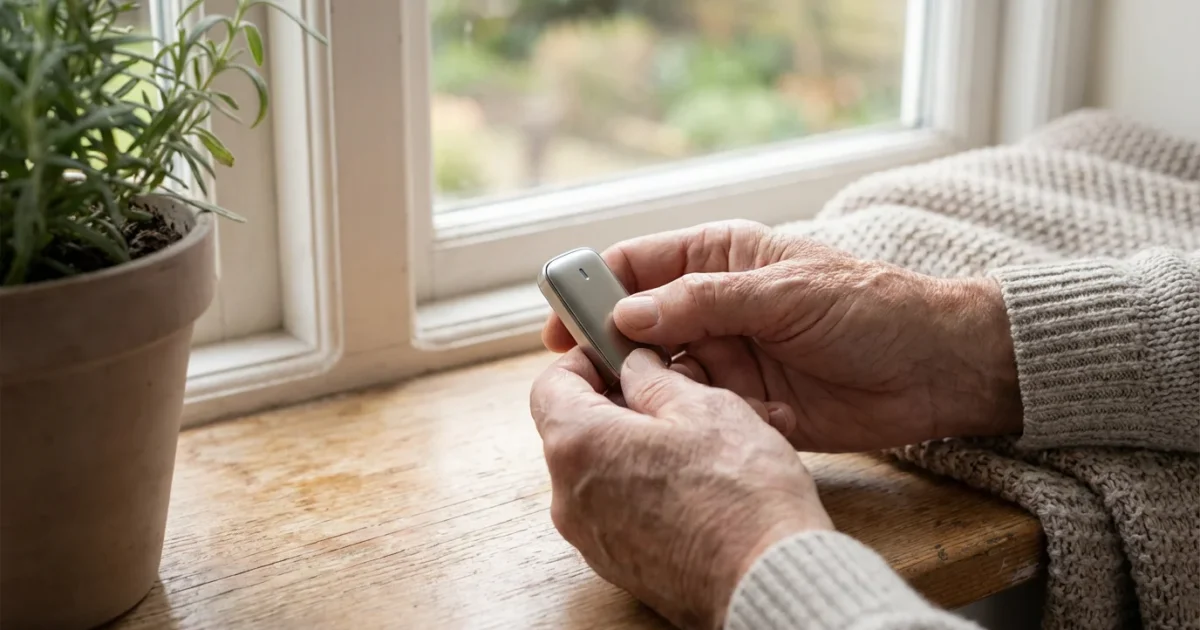
Your home is your sanctuary, a place where you deserve to feel safe, comfortable, and independent. As you age, maintaining that sense of security becomes even more crucial. Effective home security goes beyond just preventing break-ins. It encompasses protecting your property from various threats, safeguarding your personal information, and ensuring you have peace of mind in your daily life. Taking proactive steps now strengthens your defense against potential issues, helping you live confidently.
Why Home Security Matters for Your Independent Living
Maintaining a secure home environment significantly contributes to your overall well-being and continued independence. When your home feels safe, you experience less stress and greater comfort. This security allows you to focus on enjoying your life, rather than worrying about potential threats. Your independence relies heavily on your ability to control your environment and feel protected within it.
Protecting your home’s value is essential, and you may also want to explore ways to lower your property taxes to keep your living costs manageable.
Home security protects your physical property, safeguarding your belongings and valuables. It also extends to your personal safety and digital privacy. Seniors often become targets for various scams and burglaries, making robust security measures essential. You protect your assets and your autonomy by implementing effective security strategies.
“Home is where the heart is, and where you should feel safest.”
Essential Layers of Physical Home Security
You can significantly enhance your home’s security by focusing on fundamental physical measures. These basic steps form the first line of defense against intruders and provide a strong foundation for your overall safety strategy. Start by assessing your entry points and surrounding property.
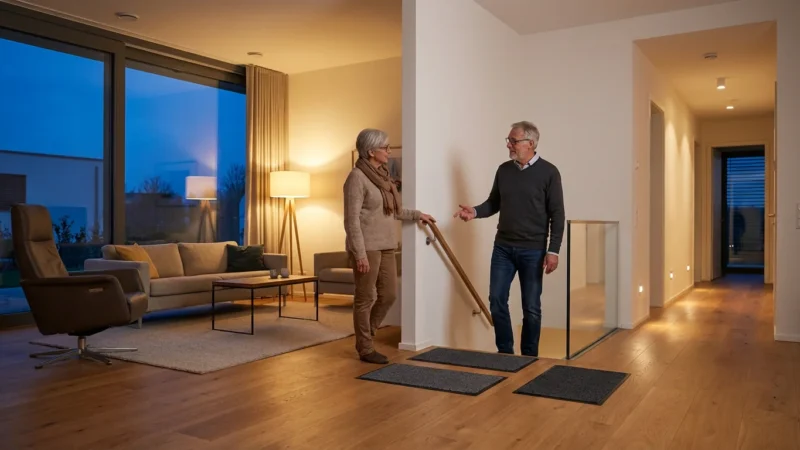
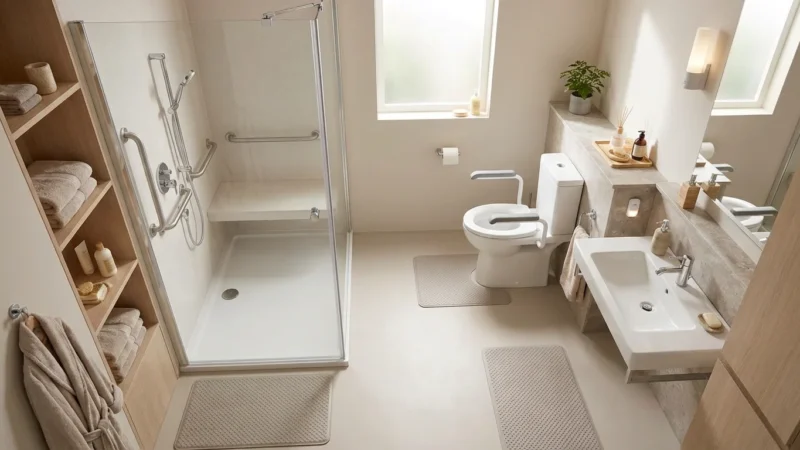
While securing entry points is a priority, don’t forget internal safety measures like adapting your bathroom for senior living to prevent internal accidents.
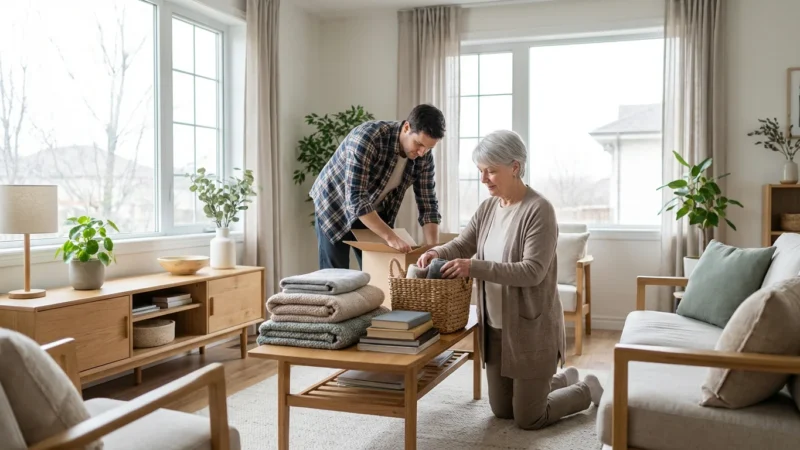
In addition to outdoor maintenance, decluttering your home can improve overall visibility and safety within your living space.
Secure Doors and Windows
Your doors and windows represent the most common entry points for intruders. You strengthen your home’s perimeter by ensuring they have proper locks and reinforcements. This foundational step immediately makes your home a less appealing target.
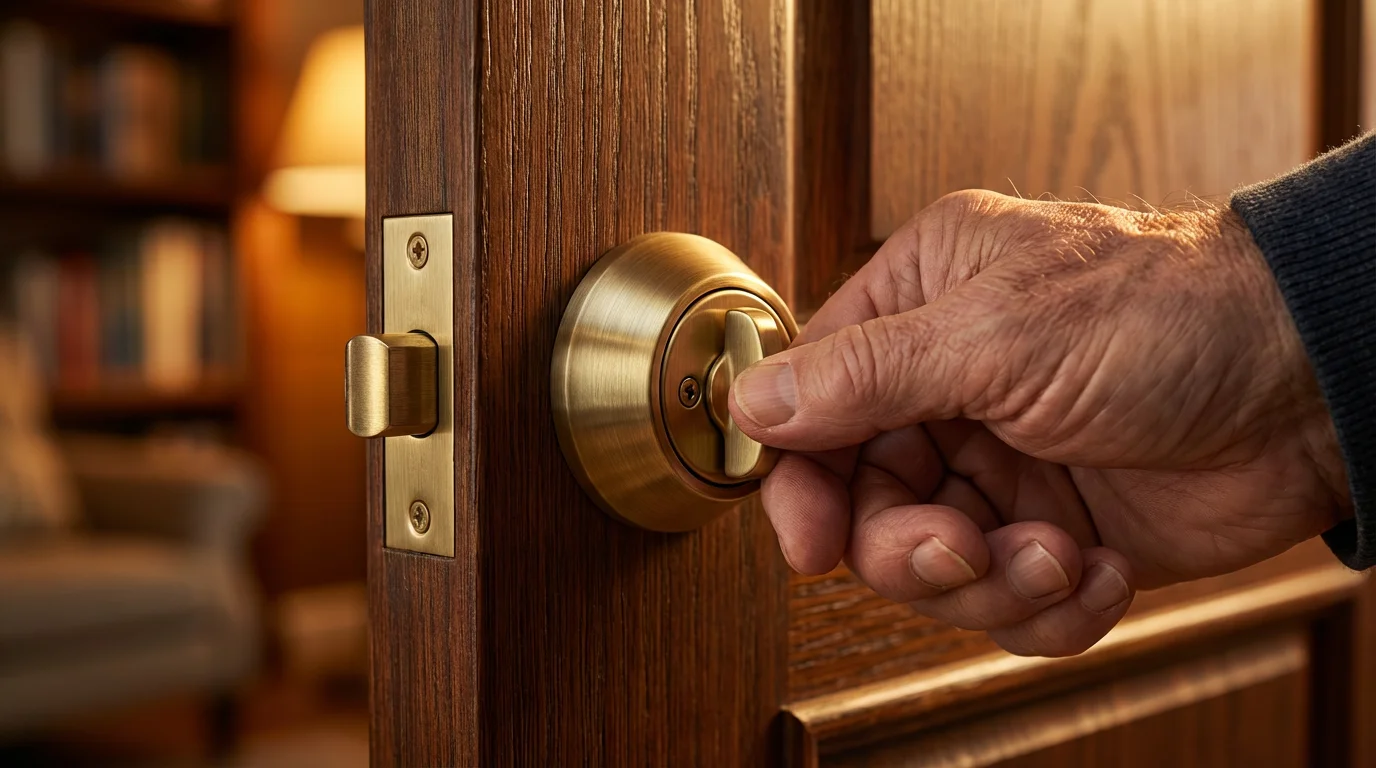
- Install deadbolt locks: Use single-cylinder deadbolts on all exterior doors. Ensure the bolt extends at least one inch into the door frame.
- Reinforce door frames: Replace short screws in strike plates with 3-inch screws that penetrate the wall stud. This makes kicking in a door much more difficult.
- Sliding door security bars: Place a sturdy wooden or metal bar in the track of sliding glass doors. This prevents them from being forced open.
- Window locks and alarms: Ensure all windows have working locks. Consider adding inexpensive, battery-operated window alarms that sound if a window opens.
- Peepholes: Install a wide-angle peephole on your front door if you do not have one. This allows you to identify visitors before opening the door.
Regularly check the condition of your locks and frames. You should replace any worn or damaged components promptly. A well-maintained entry system deters potential threats effectively.
Exterior Lighting and Landscaping
Good visibility around your home makes it harder for intruders to approach undetected. You can illuminate dark areas and remove potential hiding spots to enhance your property’s safety. Smart choices in lighting and landscaping contribute significantly to your senior safety.
- Motion-sensor lights: Install bright, motion-activated lights around all entry points and dark areas of your yard. These startle intruders and alert you to movement.
- Timers for interior lights: Use timers to turn interior lights on and off, creating the illusion that someone is home even when you are out.
- Trim shrubs and trees: Keep bushes and trees trimmed away from windows and doors. Tall landscaping provides cover for burglars.
- Clear walkways: Ensure pathways remain free of clutter and debris, preventing accidental falls, especially at night.
- Maintain your yard: A well-maintained yard suggests an occupied and cared-for home, which often deters criminals.
Mailbox Security and Deliveries
Your mailbox can become a target for identity theft if not secured properly. You protect your personal information by managing your mail and package deliveries thoughtfully.
- Locking mailbox: Consider installing a locking mailbox that requires a key to retrieve mail. This prevents mail theft.
- Retrieve mail promptly: Do not let mail accumulate in your mailbox. Pick it up as soon as it arrives.
- Package delivery management: Utilize tracking numbers and delivery notifications for packages. Request packages be left in a secure location or picked up from a post office or locker if you are away.
- Hold mail service: Use the post office’s “Hold Mail” service when you are on vacation.
Modern Security Systems: Options for Every Need
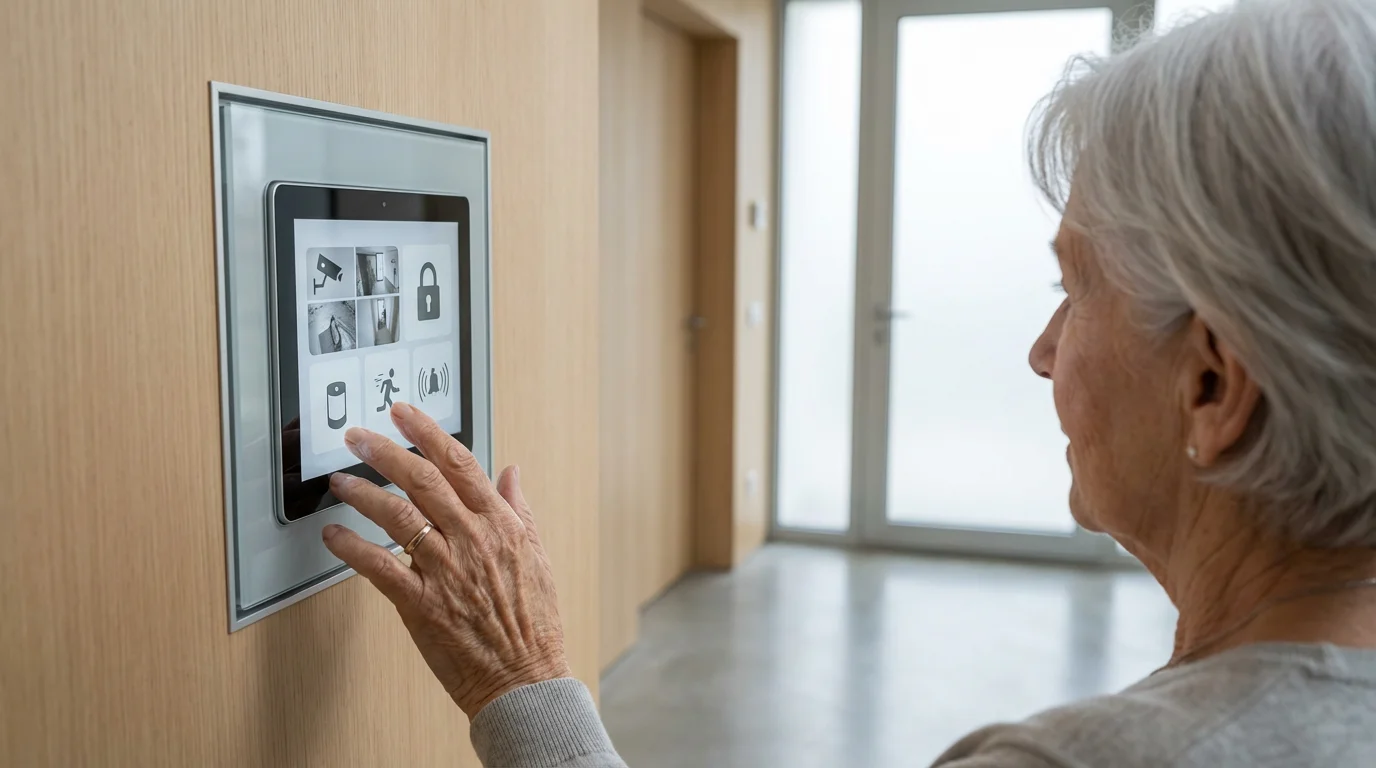
Security systems offer an advanced layer of protection for your home, providing monitoring and alerts that go beyond basic physical measures. You can choose from various options, tailoring a system to your specific needs and comfort level. Consider factors like ease of use, monitoring services, and integration with other devices when selecting a system for senior safety.
Personal safety at home also includes having quick access to medical advice through telehealth services, ensuring help is available even if you cannot leave the house.
Installing a monitored security system may also help you secure homeowners insurance discounts for seniors, making the investment even more cost-effective.
Exploring an introduction to smart home devices can help you understand how technology simplifies safety monitoring.
Types of Home Security Systems
Understanding the different types helps you decide which system best suits your lifestyle and budget. Each type offers distinct advantages for your home security.
- DIY (Do-It-Yourself) Systems: You purchase components like sensors, cameras, and hubs and install them yourself. These systems often connect to your smartphone for self-monitoring.
- Benefits: Lower upfront costs, no monthly fees for self-monitoring, flexibility to customize.
- Drawbacks: Requires some technical comfort for installation, no professional monitoring unless you add a subscription.
- Professionally Installed and Monitored Systems: A security company installs the equipment and monitors your home 24/7. They contact you and emergency services during an alarm event.
- Benefits: Expert installation, continuous professional oversight, faster emergency response.
- Drawbacks: Higher upfront installation costs, requires monthly monitoring fees (typically $30-$60 per month).
- Wireless vs. Wired Systems: Most modern systems are wireless, making installation easier and more flexible. Wired systems offer more reliability but are harder to install.
- Wireless: Easier installation, flexible placement, often battery-powered.
- Wired: Less susceptible to signal interference, does not rely on batteries, requires professional installation.
Key Features to Consider
Modern security systems offer a range of features designed to enhance your safety and convenience. You should prioritize features that directly address your concerns about senior safety.
- Sensors: Door and window sensors detect unauthorized entry. Motion sensors detect movement within your home. Glass break sensors detect the sound of shattering glass.
- Security Cameras: Indoor and outdoor cameras provide visual surveillance. Video doorbells let you see and speak to visitors remotely, even if you are not home.
- Alarm Siren: A loud siren deters intruders and alerts neighbors.
- Keypads and Key Fobs: Keypads allow you to arm and disarm the system with a code. Key fobs offer a simple button press for arming and disarming.
- Mobile App Control: Most systems offer smartphone apps, allowing you to monitor and control your system from anywhere. This provides flexibility for you or family members.
- Integration with Medical Alert Systems: Some security systems offer integration with personal emergency response systems, allowing for a combined safety solution.
Cost Estimates
The cost of a home security system varies significantly based on type, features, and monitoring. You can find options to fit various budgets.
- DIY Equipment: Expect to pay $150-$500 for a basic DIY starter kit. Adding more sensors or cameras increases this cost.
- Professional Installation: Installation fees for professionally installed systems typically range from $99 to $500, often waived with a long-term monitoring contract.
- Monthly Monitoring: Professional monitoring plans generally cost $20-$60 per month. Some advanced plans with video storage or smart home features can cost more.
Compare quotes from several providers to find the best value for your needs. Always read contracts carefully, especially regarding monitoring terms and cancellation policies.

Digital Safety: Preventing Scams and Online Threats
While physical security protects your home, digital security protects your identity and finances. Seniors often become targets for various scams, making vigilance in the digital world crucial. You can significantly reduce your risk of falling victim to fraud by understanding common threats and adopting strong digital safety practices.
Once you feel confident in your digital safety, you can safely branch out by exploring online learning resources to discover new hobbies and interests.
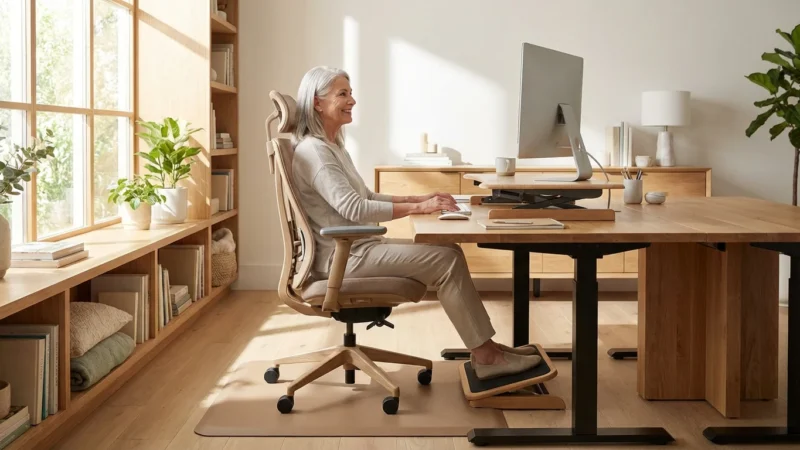
Setting up an ergonomic home office for seniors can provide a secure and comfortable environment for managing your digital life.
If you are choosing the right tablet for daily use, look for models that receive regular security updates to prevent hacking.
Common Scams Targeting Seniors
Scammers constantly evolve their tactics, but many schemes rely on similar psychological manipulation. You can protect yourself by recognizing the warning signs.
- Grandparent Scams: A caller pretends to be a grandchild in distress, needing money for an emergency. They often pressure you for immediate payment via wire transfer or gift cards.
- Tech Support Scams: A pop-up message or caller claims to be from a well-known tech company (like Microsoft), stating your computer has a virus. They try to gain remote access to your computer or trick you into paying for unnecessary services.
- Government Impersonation Scams: Scammers pretend to be from the IRS, Social Security Administration, or other government agencies. They threaten arrest or loss of benefits if you do not pay “back taxes” or provide personal information. Government agencies typically communicate via mail, not phone calls demanding immediate payment.
- Sweepstakes/Lottery Scams: You receive notification that you have won a large sum of money, but you must pay a “fee” or “taxes” upfront to claim your winnings. Real lotteries do not require payment to collect winnings.
- Romance Scams: Scammers create fake online profiles, build emotional relationships, and then ask for money for emergencies or travel.
Best Practices for Digital Protection
You can safeguard your personal information and finances by implementing these practical steps. A proactive approach to your online interactions makes a significant difference.
- Use Strong, Unique Passwords: Create complex passwords for all your online accounts. Combine uppercase and lowercase letters, numbers, and symbols. Avoid using easily guessed information like birthdays. A password manager can help you manage many strong passwords.
- Enable Two-Factor Authentication (2FA): This adds an extra layer of security. After entering your password, you receive a code on your phone or email to verify your identity. Enable 2FA for banking, email, and social media accounts.
- Be Skeptical of Unsolicited Communications: Approach unexpected calls, emails, or text messages with caution. Scammers often use urgency and fear to manipulate you.
- Verify Callers and Senders: If someone claims to be from a company or government agency and asks for personal information or money, hang up and call the organization directly using a number you know to be legitimate (from their official website or a bill).
- Do Not Click Suspicious Links: Avoid clicking links in emails or text messages from unknown senders. These can lead to phishing websites designed to steal your information.
- Regularly Update Software: Keep your computer’s operating system, web browser, and antivirus software up to date. Updates often include security patches that protect against new threats.
- Monitor Your Financial Accounts: Regularly check your bank and credit card statements for any suspicious activity. Report unauthorized transactions immediately.
You play a vital role in protecting yourself from digital threats. Your awareness and cautious actions are your best defense. The National Institute on Aging provides excellent resources on preventing fraud and scams. You can find more information by visiting their website to learn about specific scam types and prevention strategies.

Personal Safety and Emergency Preparedness at Home
Home security extends beyond preventing external threats. It also involves preparing for personal emergencies and ensuring you can respond effectively to unforeseen events. You empower yourself to handle various situations by having a robust emergency plan and essential tools in place.
Much like securing your perimeter, adapting your bathroom is a critical part of preparing your home for long-term safety.
Medical Alert Systems (PERS)
These systems provide immediate assistance if you experience a fall or other medical emergency when alone. They offer a crucial safety net for seniors living independently.
- Wearable Devices: Most systems include a waterproof button worn as a necklace or wristband. Pressing the button connects you to a monitoring center.
- Fall Detection: Many modern systems offer automatic fall detection. If you fall, the device automatically alerts the monitoring center, even if you cannot press the button.
- GPS Tracking: Some systems include GPS, allowing you to receive help even when away from home.
- Monitoring Service: A 24/7 monitoring center contacts emergency services and your designated contacts.
- Cost: Basic systems typically cost $20-$45 per month for monitoring. Devices with fall detection or GPS cost more, ranging from $35-$70 per month.
Fire Safety and Prevention
Fires pose a significant threat. You dramatically reduce your risk and improve your response by implementing these safety measures.
- Smoke Detectors: Install smoke detectors on every level of your home, inside and outside sleeping areas. Test them monthly and replace batteries annually. Replace the entire unit every 10 years.
- Carbon Monoxide (CO) Detectors: Install CO detectors near sleeping areas and on each level of your home, especially if you have fuel-burning appliances. CO is an odorless, colorless gas.
- Fire Extinguishers: Keep a multi-purpose (ABC rated) fire extinguisher in your kitchen and garage. Learn how to use it properly.
- Escape Plan: Develop and practice a fire escape plan with your family. Identify two ways out of every room and establish a meeting point outside.
- Electrical Safety: Avoid overloading outlets. Do not run electrical cords under rugs, which can cause overheating and tripping hazards.
Emergency Contact Information and “Go-Bag”
You can respond more effectively to an emergency by having critical information and supplies readily available. Preparation reduces panic in a crisis.
- Emergency Contact List: Keep an easily accessible list of emergency contacts, including family, doctors, and neighbors. Post it near your phone.
- Medication List: Maintain an up-to-date list of all your medications, dosages, and allergies. Include your pharmacy’s contact information.
- Emergency “Go-Bag”: Prepare a kit with essential supplies you would need if you had to evacuate quickly.
- One gallon of water per person, per day, for at least three days.
- Three-day supply of non-perishable food.
- Battery-powered or hand-crank radio and a NOAA weather radio with tone alert.
- Flashlight and extra batteries.
- First aid kit.
- Whistle to signal for help.
- Dust mask to help filter contaminated air.
- Plastic sheeting and duct tape to shelter-in-place.
- Wet wipes, garbage bags, and plastic ties for personal sanitation.
- Wrench or pliers to turn off utilities.
- Manual can opener for food.
- Local maps.
- Cell phone with chargers and a backup battery.
- Cash.
- Important family documents (copies).
- Prescription medications and glasses.
Smart Home Integration for Enhanced Security and Convenience
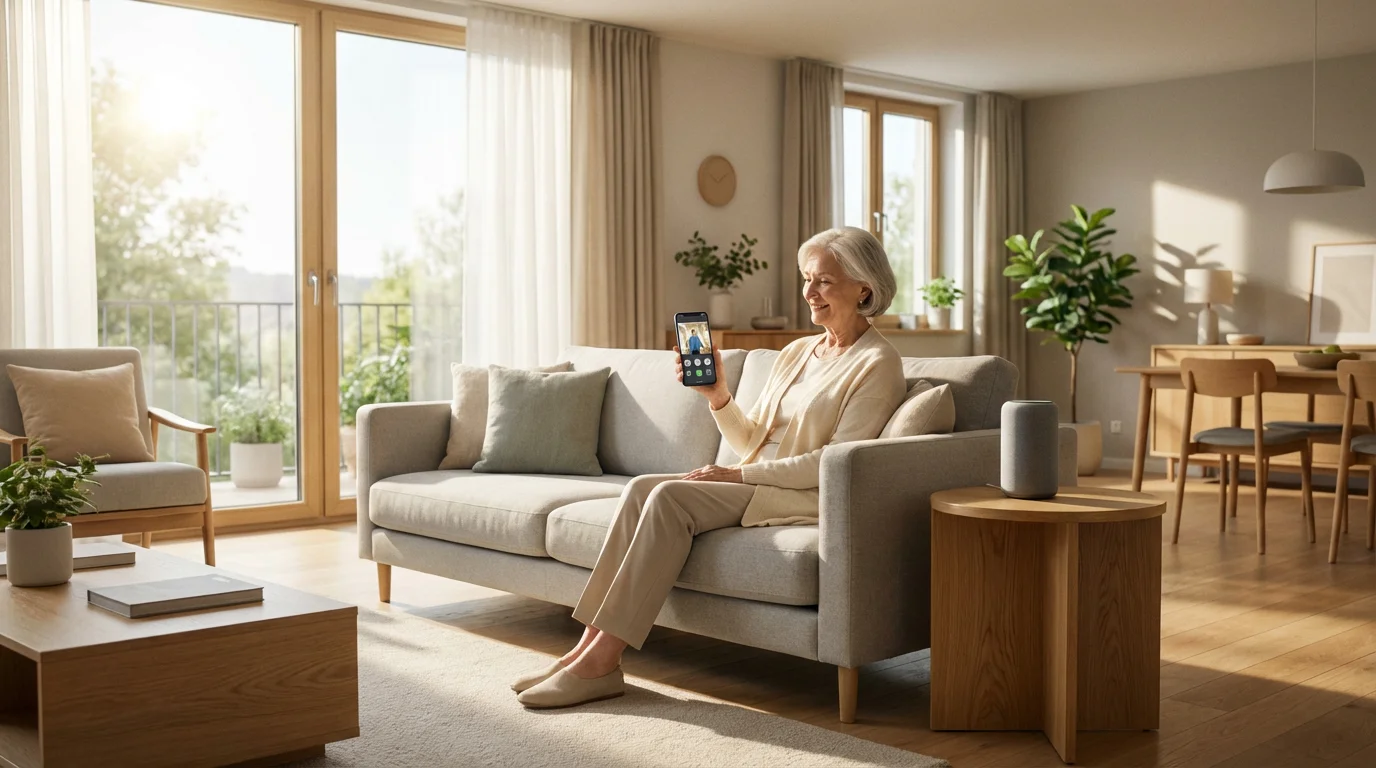
Smart home technology offers powerful tools to enhance your home security and simplify daily routines. You can control various aspects of your home remotely or through voice commands, adding convenience and an extra layer of protection. This integration allows you to customize your living environment for maximum senior safety and ease of use.
Benefits of Smart Home Devices for Seniors
These devices provide practical solutions that address common concerns about security and daily management. You gain greater control over your home environment.
- Remote Monitoring: Check on your home from anywhere using a smartphone app. See live camera feeds, check if doors are locked, and adjust lighting.
- Automated Routines: Set schedules for lights to turn on and off, making your home appear occupied. Automate thermostats for energy savings and comfort.
- Voice Control: Use voice assistants (like Amazon Alexa or Google Assistant) to lock doors, turn lights on, or check camera feeds. This is especially helpful if mobility is limited.
- Enhanced Access Control: Grant temporary access to caregivers or family members via smart locks without sharing physical keys.
- Emergency Alerts: Receive immediate notifications on your phone if a security sensor triggers or a smoke alarm sounds.
- Personalized Alerts: Set up alerts for specific activities, such as a reminder to take medication or an alert if a loved one opens a specific cabinet.
Key Smart Home Security Devices
Several smart devices specifically enhance your home’s security and your daily convenience. You can choose devices that address your most pressing needs.
- Smart Locks: These allow you to lock and unlock doors from your smartphone or with a keypad code. Some can automatically lock after a set time. Cost: $150-$350.
- Video Doorbells: See, hear, and speak to visitors from your phone, even when you are not home. They record motion events and offer two-way communication. Cost: $100-$300.
- Smart Lighting: Control lights with your voice, a smartphone app, or on a schedule. This improves visibility and creates an occupied look when you are away. Cost: $15-$50 per bulb, or $50-$150 for smart switches.
- Smart Security Cameras: Indoor and outdoor cameras offer live streaming, motion detection, and cloud storage for recordings. Cost: $50-$250 per camera.
- Voice Assistants: Devices like Amazon Echo or Google Nest Hub can serve as central hubs for controlling smart home devices with voice commands. Cost: $30-$250.
Consider the learning curve for new technology. Many smart home devices are designed for ease of use. You can also enlist the help of family members or a professional to set up and demonstrate these systems. Focus on devices that offer real benefits without adding unnecessary complexity.
When to Call a Professional: Installation, Monitoring, and Consultations
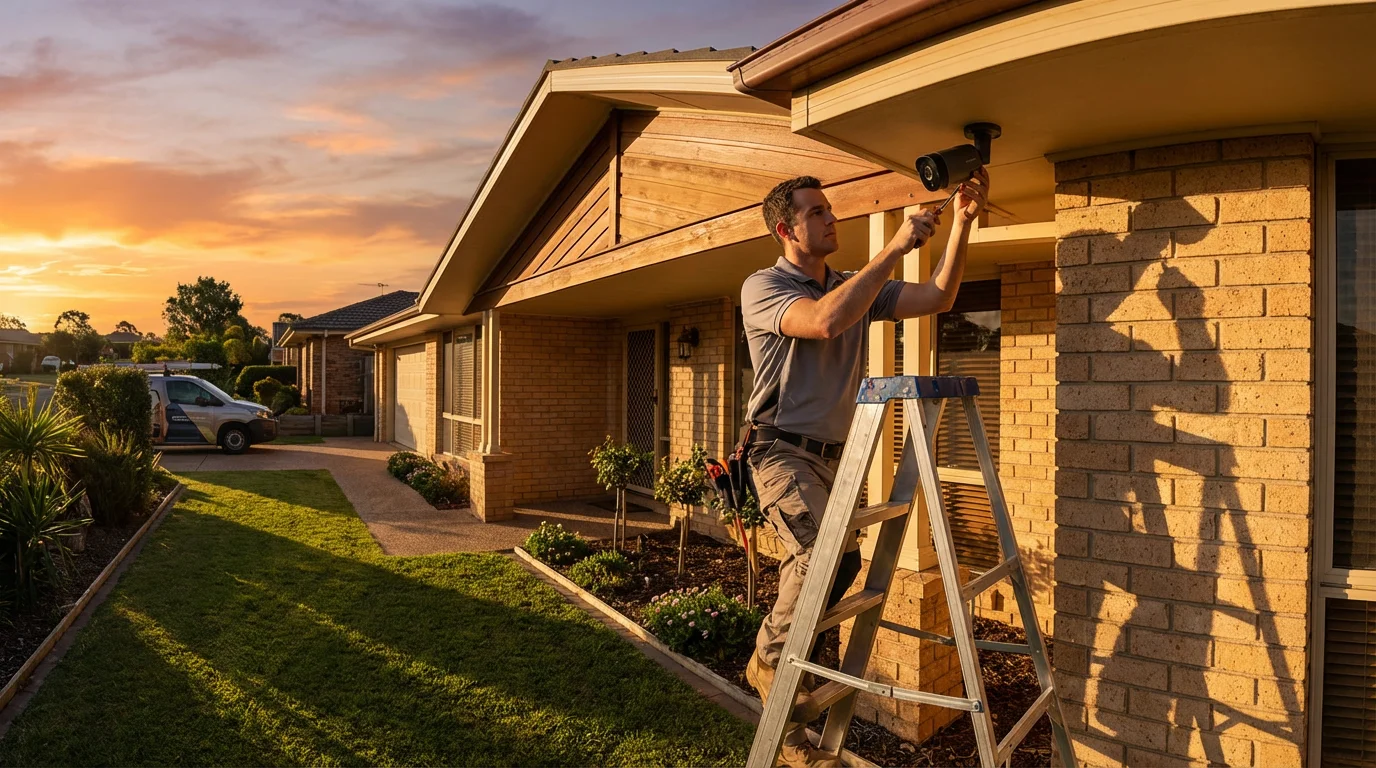
While many home security tasks allow for a DIY approach, some situations genuinely benefit from professional expertise. You ensure optimal protection and avoid potential pitfalls by knowing when to seek professional help. Professionals bring specialized knowledge and experience, often saving you time and preventing errors.
Professional Security System Installation
Complex security systems, especially those involving extensive wiring or integration with existing smart home infrastructure, often require professional installation. You benefit from their expertise in several ways.
- Optimal Placement: Professionals know the best locations for sensors and cameras to maximize coverage and minimize false alarms.
- Correct Configuration: They ensure all components work together seamlessly and integrate properly with your home’s network.
- Troubleshooting: An expert can quickly diagnose and fix any installation issues, saving you frustration.
- System Training: They provide thorough training on how to use your new system, ensuring you feel comfortable and confident.
Cost for professional installation often ranges from $99 to $500, but some companies waive this fee with a multi-year monitoring contract.
24/7 Professional Monitoring
For critical peace of mind, professional monitoring offers continuous oversight of your security system. You receive immediate assistance during an emergency.
- Rapid Response: When an alarm triggers, a monitoring center verifies the event and immediately dispatches emergency services if needed. This speed is crucial in a crisis.
- Always On: Monitoring centers operate 24 hours a day, 7 days a week, providing protection even when you are asleep or away from home.
- Medical Alert Integration: Many security monitoring services also offer medical alert features, ensuring help arrives quickly for medical emergencies.
Monitoring fees typically range from $20 to $60 per month, depending on the services included. Evaluate your needs carefully; if you live alone or have health concerns, professional monitoring offers significant value.
Home Security Assessments
A professional security consultant can provide a comprehensive assessment of your home’s vulnerabilities. You receive tailored recommendations specific to your property and lifestyle.
- Identify Weaknesses: An expert can spot overlooked vulnerabilities in your physical security, landscaping, and digital habits.
- Customized Solutions: They suggest specific products or strategies that best fit your home and budget, rather than a generic approach.
- Peace of Mind: Knowing a professional has reviewed your security measures gives you confidence in your home’s protection.
The cost for a home security assessment varies but generally runs from $100 to $300, depending on the size of your home and the depth of the assessment. Some security companies offer free basic consultations when you inquire about their services. Consumer Reports Home can provide valuable insights on choosing reputable security providers and systems.
Budgeting for Home Security: Making Smart Choices
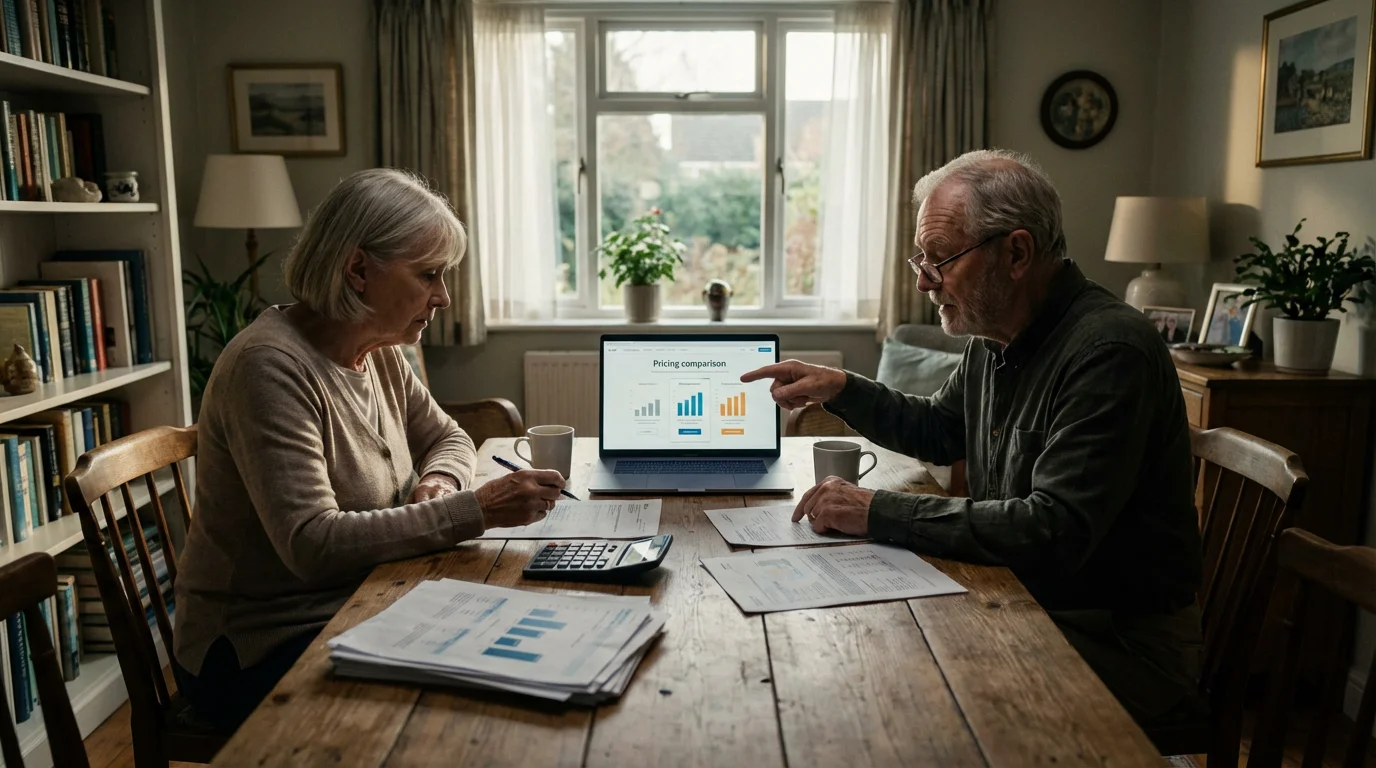
Investing in home security does not have to break the bank. You can effectively protect your property and finances by making informed decisions and prioritizing your needs. A strategic approach to budgeting helps you achieve strong security without overspending.
Remember that many insurance companies provide homeowners insurance discounts for seniors who take proactive steps to secure their property.
Understanding Costs: Initial vs. Ongoing
When planning your security budget, you should consider both upfront expenses and recurring fees. This comprehensive view helps you avoid surprises.
- Initial Costs: This includes the purchase of equipment (locks, alarms, cameras, smart devices) and any installation fees.
- Examples: A set of deadbolt locks ($50-$150), a basic DIY alarm kit ($150-$500), a video doorbell ($100-$300), professional installation ($0-$500).
- Ongoing Costs: These are typically monthly or annual fees for services like professional monitoring, cloud storage for camera footage, or subscription services for smart home features.
- Examples: Professional monitoring ($20-$60 per month), premium app features ($5-$15 per month).
Prioritizing Your Security Investments
You can allocate your budget most effectively by identifying your highest risks and greatest needs. Start with the most impactful improvements.
- Foundational Security First: Invest in strong deadbolts, reinforced door frames, and reliable window locks. These are generally low-cost and offer significant protection.
- Essential Safety Devices: Ensure you have working smoke and carbon monoxide detectors. A medical alert system offers critical personal safety, especially if you live alone.
- Deterrents and Visibility: Add motion-sensor lighting and keep your landscaping well-maintained. These visual deterrents are often effective and relatively inexpensive.
- Consider a Basic Alarm System: If your budget allows, a simple alarm system provides a strong deterrent and alerts you to potential intrusions. You can start with a DIY system for lower initial costs.
- Smart Home Enhancements: Add smart locks or a video doorbell as your budget permits, focusing on devices that offer the most convenience and security benefit for you.
You can often start with basic improvements and gradually add more advanced features over time. This phased approach allows you to spread out costs while continually enhancing your home’s security. Look for bundles from security companies that might offer discounts on equipment and monitoring when purchased together.
Frequently Asked Questions
What home security options are best for seniors?
The best options for seniors combine robust physical security with easy-to-use technology and reliable emergency support. This often includes strong deadbolt locks, motion-sensor lighting, and a user-friendly security system. Consider systems with professional monitoring and integrated medical alert features for comprehensive senior safety. Video doorbells and smart locks also offer significant convenience and security.
Is a basic alarm system enough for my home?
A basic alarm system provides a good deterrent and alerts you to potential intrusions, making it a valuable part of your home security. However, for maximum peace of mind, consider supplementing it with reinforced doors, good exterior lighting, and digital scam prevention strategies. If you have health concerns or live alone, a basic alarm combined with professional monitoring and a medical alert system offers more complete protection.
How often should I test my smoke detectors?
You should test your smoke detectors monthly by pressing the test button. Replace batteries at least once a year, even if they appear to be working. A good practice involves changing them when you change your clocks for daylight saving time. Replace the entire smoke detector unit every 10 years, as their sensors degrade over time. Maintaining working smoke detectors is a critical part of home safety.
Should I tell my neighbors about my security system?
Yes, informing trusted neighbors about your security system is a good practice. They can help keep an eye on your property and might be able to respond or contact authorities if they hear an alarm sound. You can also share your contact information with them for emergencies. Building a strong community connection enhances overall neighborhood safety for everyone, including seniors.
Disclaimer: This article is for informational purposes only. Home modifications, safety equipment, and services mentioned may vary in availability and suitability for individual circumstances. For significant home modifications, consult with qualified professionals. For health-related safety concerns, consult with healthcare providers.



Leave a Reply