
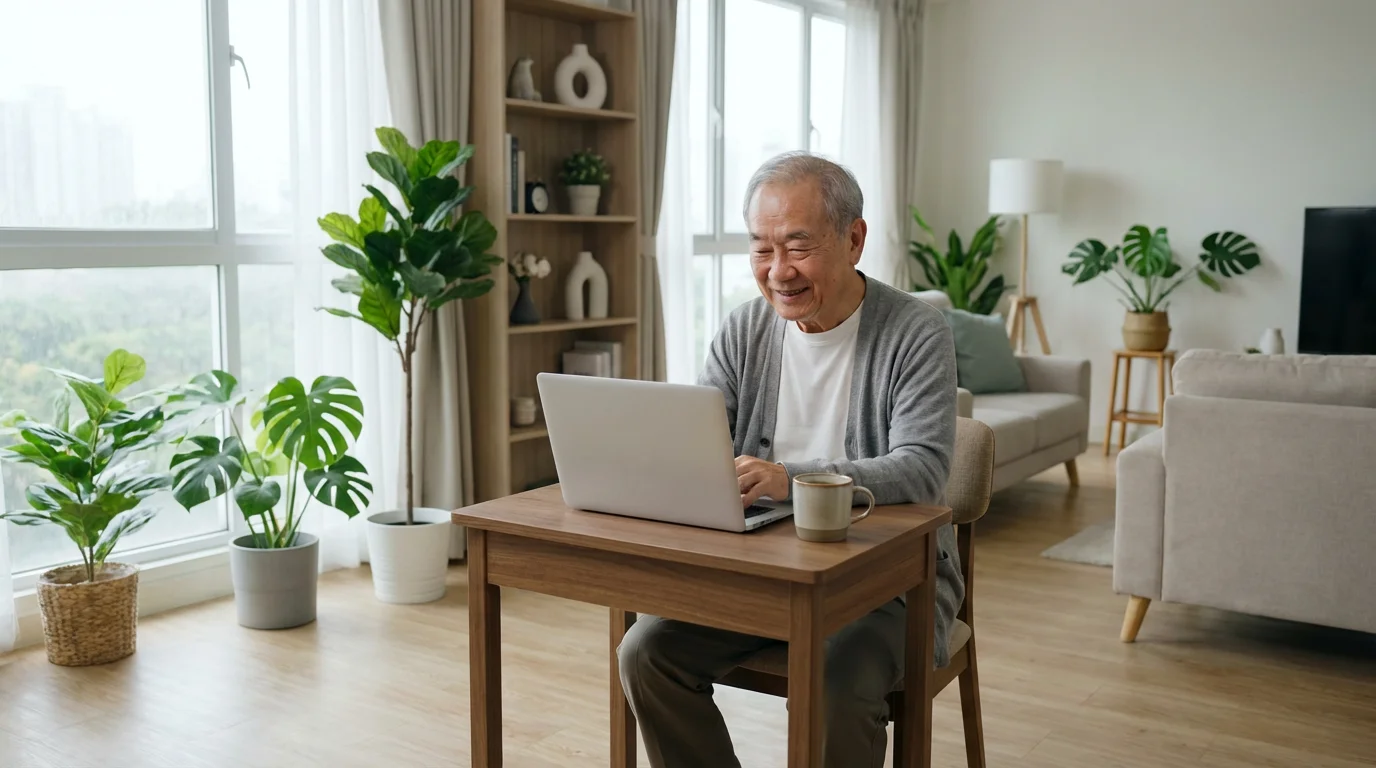
Learning does not stop when you retire. In fact, many seniors find this phase of life offers the perfect opportunity to explore new hobbies, master new skills, or simply deepen their understanding of topics that interest them. Online learning provides an accessible and flexible way to pursue these educational goals, often without any cost. You can learn from the comfort of your own home, at your own pace, and on your own schedule. This article guides you through some of the best free courses and resources available specifically for seniors, helping you discover a world of knowledge right at your fingertips. We will explore how seniors learn online effectively, what are the best free courses, and the simple steps to begin your journey.

The Power of Lifelong Learning for Seniors
Engaging in senior education offers numerous benefits beyond simply acquiring new knowledge. Studies show that continuous learning can sharpen cognitive functions, improve memory, and even enhance overall well-being. It provides a sense of purpose and connection, keeping your mind active and engaged. Whether you want to learn a new language, understand current events, explore a historical period, or delve into technology basics, free online courses make these pursuits accessible. You empower yourself by embracing new skills and information. This process builds confidence and opens doors to new interests and communities.
Expanding your mind can even inspire your next adventure, so consider researching budget-friendly senior travel strategies to explore new cultures in person.
“You do not have to be young to be tech-savvy, you just need patience and practice.”

What You Need to Start Your Online Learning Journey
Embarking on online learning is simpler than you might think. You likely already possess most of the tools required. Here is a brief overview of what you will need:
- A Reliable Device: This could be a computer (desktop or laptop), a tablet, or even a smartphone. While all these devices work, a computer or tablet often provides a better viewing experience for course materials, allowing you to see text and videos more clearly.
- Internet Connection: You need a stable internet connection, often referred to as Wi-Fi, which is your home’s wireless internet connection, or a wired connection directly to your computer. A strong connection prevents videos from buffering or courses from crashing.
- Web Browser: A web browser is the software you use to access websites on the internet. Common browsers include Google Chrome, Mozilla Firefox, Microsoft Edge, and Apple Safari. Ensure your browser is updated for the best experience.
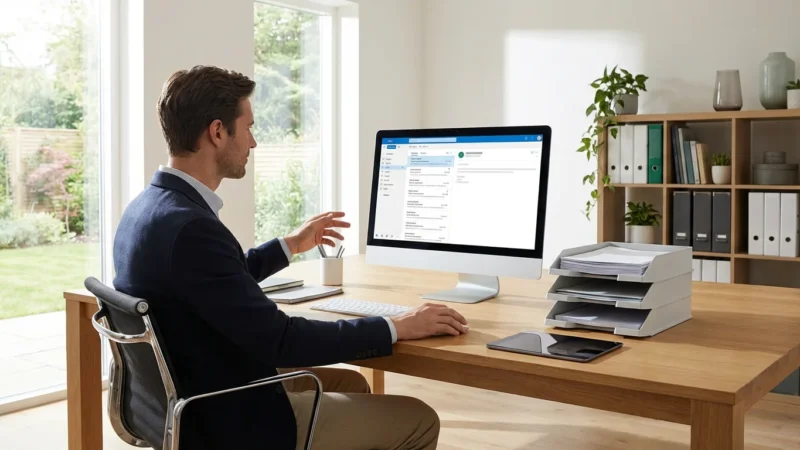
- Email Address: Most online learning platforms require an email address for registration, course notifications, and password recovery. If you do not have one, creating a free email account (like Gmail or Outlook) is a straightforward process.
- Basic Computer Skills: You should feel comfortable with tasks such as clicking links, typing text, and navigating websites. Do not worry if you are a beginner; many platforms offer introductory courses to help you build these foundational skills.
- A Quiet Learning Space: A comfortable, quiet environment helps you focus on your lessons and retain information more effectively.
Top Free Online Learning Platforms for Seniors
Many excellent resources offer free courses designed to educate and engage. Here are some of the best platforms to consider for senior education:
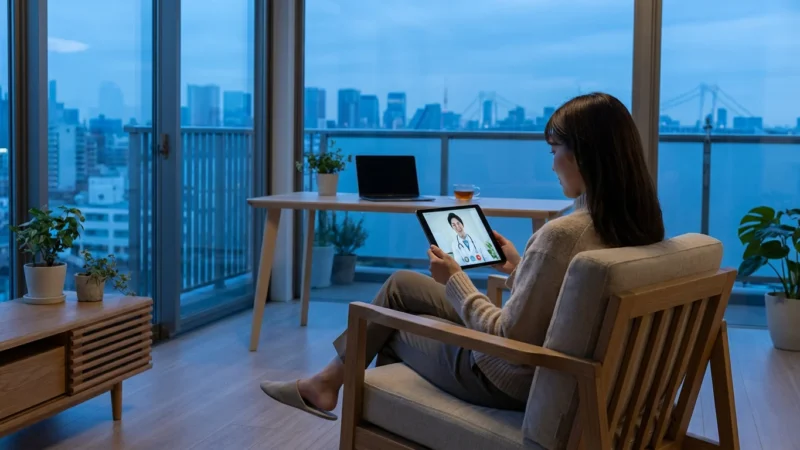
Once you have mastered navigating these platforms, you may also want to explore how to use telehealth for more convenient medical consultations from home.
1. GCFGlobal (Goodwill Community Foundation Global)
GCFGlobal offers hundreds of free online tutorials covering technology, work, math, and everyday life topics. Their courses are known for their clear, step-by-step instructions and practical approach, making them ideal for beginners. You do not need to create an account to access most content, simplifying the process of getting started. This platform provides digital literacy training which is extremely helpful for new online learners. You can find their resources at GCFGlobal Digital Literacy.
- What you will find: Tutorials on computer basics, internet safety, using specific software like Microsoft Word, email management, and more.
- Why it is great for seniors: The content is easy to understand, self-paced, and focuses on practical skills directly applicable to daily life.
- Getting started: Simply visit their website and browse topics. Click on any lesson to begin immediately.
2. OATS Senior Planet
OATS (Older Adults Technology Services) Senior Planet is a national non-profit that empowers older adults to learn and use technology. They offer free online courses, workshops, and events tailored specifically for seniors. These often include live, interactive sessions where you can ask questions. Senior Planet focuses on helping you thrive in today’s digital world. You can explore their offerings at OATS Senior Planet.
- What you will find: Courses on smartphone usage, social media, online banking, video calling, and specific apps. They also host virtual events and exercise classes.
- Why it is great for seniors: The content is developed with seniors in mind, delivered by patient instructors, and fosters a supportive community.
- Getting started: Visit their website, look for their “Courses” or “Events” sections, and register for a session that interests you. Registration is usually free.
3. Coursera and edX (Free Audit Option)
Coursera and edX partner with universities and companies worldwide to offer a vast array of courses. While many courses require payment for a certificate, you can often “audit” courses for free. Auditing means you can access most of the course materials, including video lectures and readings, without completing graded assignments or earning a certificate. This is an excellent way to learn new subjects without any financial commitment.
- What you will find: University-level courses on almost any subject imaginable, from history and philosophy to science and computer programming.
- Why it is great for seniors: Offers high-quality academic content from renowned institutions, allowing you to learn at an advanced level without pressure.
- Getting started:
- Go to Coursera.org or edX.org.
- Search for a course that interests you.
- Click on the course title.
- Look for an option like “Enroll for Free” or “Audit Course.” Sometimes you need to choose the “Full Course, No Certificate” or “Audit only” option during enrollment.
- You will usually need to create a free account with your email address.
4. YouTube
YouTube is a massive video-sharing platform that also serves as an incredible resource for online learning. While not structured as formal “courses,” you can find countless free tutorials, lectures, and how-to videos on virtually any topic. Many educational channels provide high-quality content. Just type what you want to learn into the search bar.
- What you will find: Tutorials on using your smartphone, cooking demonstrations, history lectures, language lessons, crafting instructions, and much more.
- Why it is great for seniors: It offers visual learning, which can be very effective, and you can pause, rewind, and rewatch videos as many times as you need.
- Getting started:
- Open your web browser and go to YouTube.com.
- Locate the search bar at the top of the page. It often looks like a magnifying glass (🔍).
- Type your topic, for example, “how to use Zoom for beginners” or “history of ancient Rome.”
- Press the Enter key on your keyboard or click the magnifying glass icon to search.
- Click on a video that looks helpful to start watching.
5. Khan Academy
Khan Academy provides free, world-class education for anyone, anywhere. It features practice exercises, instructional videos, and a personalized learning dashboard that empower learners to study at their own pace. While originally known for K-12 and college-level math and science, it has expanded to include humanities, arts, computer programming, economics, and more.
- What you will find: Structured lessons in subjects like computing, personal finance, history, and art history.
- Why it is great for seniors: Its structured, progressive learning path is excellent for building foundational knowledge in a new subject.
- Getting started:
- Visit KhanAcademy.org.
- Click “Courses” to see available subjects.
- You can browse content without an account, but creating a free account allows you to track your progress.
- Click “Sign up” to create an account using your email, Google, or Apple ID.

Getting Started with a Free Online Course: A Step-by-Step Guide
Once you have chosen a platform and a course, here is a general guide to help you begin. Specific steps may vary slightly depending on the website, but the overall process remains similar.
As you become more tech-savvy through your studies, you might also want to look into how smart home devices can make life easier and safer at home.
- Choose Your Device and Connection: Ensure your computer, tablet, or smartphone is charged and connected to your home Wi-Fi, the wireless internet connection. A stable connection prevents interruptions.
- Open Your Web Browser: Launch your preferred web browser (Google Chrome, Firefox, Safari, Edge) by clicking its icon on your desktop or app screen.
- Navigate to the Platform’s Website: Type the website address (like edu.gcfglobal.org or seniorplanet.org) into the address bar at the top of your browser window and press Enter. The address bar is where you see “https://www.example.com”.
- Find Your Course: Use the search bar on the website or browse categories to locate the course you want to take. Click on its title or image to open the course page.
- Enroll or Start Learning:
- If the course requires registration, look for a “Sign Up,” “Register,” or “Enroll for Free” button. You will usually need to enter your email address and create a password. Remember to write your password down in a safe place.
- If no registration is needed, such as with GCFGlobal or many YouTube videos, simply click “Start Course” or the first lesson’s title.
- Begin Learning: Watch the video lectures, read the texts, and complete any practice exercises. Most platforms allow you to pause, rewind, and rewatch content as needed.
- Manage Your Progress: If you created an account, the platform often saves your progress automatically. Look for a “Dashboard” or “My Courses” section to see where you left off.

Troubleshooting Common Online Learning Challenges
Even experienced tech users encounter occasional issues. Do not get discouraged if something does not work perfectly the first time. Here are solutions to common problems you might face:
- Video Buffering or Poor Quality:
- Check your internet connection. Move closer to your Wi-Fi router, the device that provides wireless internet in your home, or consider restarting it.
- Close other applications or browser tabs that might be using up internet bandwidth.
- Try lowering the video quality setting within the video player. Look for a gear icon (⚙️) or “Settings” option.
- Cannot Log In or Forgot Password:
- Double-check that you are typing your email address and password correctly. Passwords are case-sensitive, meaning “Password” is different from “password.”
- Use the “Forgot Password?” or “Reset Password” link on the login page. The platform will typically send instructions to your registered email address.
- Website Not Loading Correctly:
- Refresh the page by clicking the circular arrow icon (⟳) in your browser or pressing the F5 key on your keyboard.
- Clear your browser’s cache and cookies. This removes temporary internet files that can sometimes interfere with website loading. You usually find this option in your browser’s “Settings” or “History” menu.
- Try using a different web browser to see if the problem persists.
- Audio Problems:
- Ensure your device’s volume is turned up. Look for volume buttons on your keyboard or physical buttons on your tablet/smartphone.
- Check the volume control within the video player itself.
- Make sure your headphones or speakers are properly connected if you are using them.

Maximizing Your Online Learning Experience
To get the most out of your free online courses, consider these helpful tips:
- Set a Schedule: Treat your online learning like any other appointment. Dedicate specific times each week to your course. Consistency is key for retaining information.
- Take Notes: Jot down key points, questions, or new vocabulary. This active engagement helps reinforce learning and can be helpful for review.
- Join Online Communities (If Available): Many platforms have forums or discussion boards. Participating allows you to connect with other learners, ask questions, and share insights.
- Do Not Be Afraid to Revisit Content: One of the biggest advantages of online learning is the ability to review lessons. If a concept is unclear, rewatch the video or reread the text.
- Apply What You Learn: Try to put your new knowledge into practice. If you are learning about photo editing, try editing some of your own pictures. This cements your understanding.
- Stay Curious: The internet offers an endless supply of knowledge. If one course sparks a new interest, explore other related free courses.
Frequently Asked Questions
Can I really take free courses from top universities?
Yes, you can. Platforms like Coursera and edX offer a “free audit” option for many of their courses. This allows you to access most of the course material, including lectures and readings, without paying for a certificate or graded assignments. It is an excellent way to gain knowledge without cost.
Do I need advanced computer skills to learn online?
No, you do not. Many platforms, such as GCFGlobal and Senior Planet, offer courses specifically for beginners, covering basic computer and internet skills. You will find step-by-step guides that assume no prior knowledge, building your confidence as you go.
What if I do not have a strong internet connection?
A reliable internet connection, often called Wi-Fi, is crucial for streaming videos in online courses. If your connection is weak, videos might buffer or load slowly. Try moving closer to your Wi-Fi router, or consider contacting your internet service provider for ways to improve your home’s internet speed and stability.
Are these free courses accredited?
Most free audit courses or tutorials are not officially accredited and do not lead to a formal degree or certificate. Their value lies in the knowledge and skills you acquire. If you need a certificate, some platforms offer paid options for verification.
How much time should I dedicate to online learning?
The time commitment varies by course. Some courses might be a few hours total, while others could involve several hours per week over multiple weeks. The beauty of online learning is its flexibility; you can usually progress at your own pace, dedicating as much or as little time as your schedule allows.
Can I interact with instructors or other students in free online courses?
Interaction levels vary. Free audit options on platforms like Coursera and edX may have limited instructor interaction. However, many Senior Planet courses offer live, interactive sessions where you can ask questions. Some platforms also have discussion forums where you can connect with fellow learners.
Disclaimer: This article is for informational purposes only. Device interfaces and features may vary depending on your device model and software version. Screenshots and steps are based on common versions but your experience may differ slightly. When in doubt, consult your device manufacturer’s official support resources.




Leave a Reply